Corporate Offices
Display company announcements, internal communications, live dashboards, meeting information and visitor-facing brand content in receptions, hallways and shared workspaces.

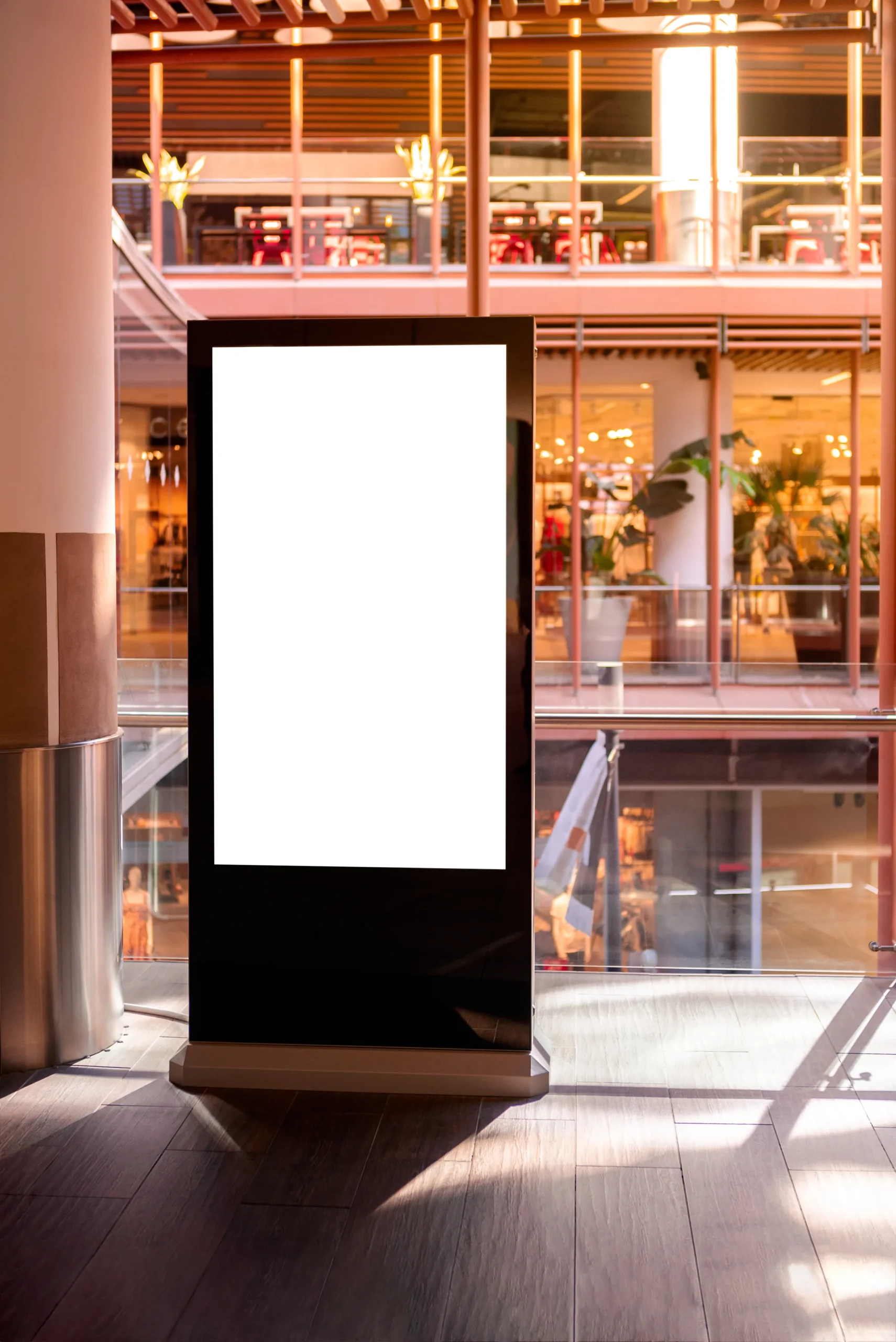
Smartopia plans and installs digital signage in Toronto and the GTA for offices, retail stores, condo lobbies and commercial properties. Coordinate display selection, mounting, media players, content management and network connectivity within one defined project scope, from a single directory screen to a multi-panel video wall.
Professional digital signage combines commercial displays, media players, content management software, secure mounting and network connectivity into one centrally managed communication system. Businesses can schedule announcements, promotions, directories, dashboards, menus, emergency messages and branded content across one screen or multiple locations.
A properly planned digital signage installation considers viewing distance, ambient light, operating hours, content type, installation environment and the number of displays requiring centralized management. These factors determine the appropriate display size, brightness, orientation, media player and content management platform.
Smartopia can coordinate digital signage with your wider commercial AV and technology infrastructure .
Commercial digital signage helps businesses communicate consistent information across customer-facing and employee-facing environments. Each screen should have a defined purpose based on its audience, location, viewing duration and the action the displayed content is intended to encourage.
Plan individual displays, multi-screen deployments or centrally managed signage across multiple properties. Define who approves messages, who publishes updates and which notices belong on each screen.
Display company announcements, internal communications, live dashboards, meeting information and visitor-facing brand content in receptions, hallways and shared workspaces.
Present promotions, product information, campaign content and customer guidance around entrances, service areas, checkout points and sales floors.
Support menus, guest information, event schedules, directions and promotional content in hotels, restaurants, entertainment venues and hospitality properties.
Present reception instructions, approved tenant directories, floor information and visitor directions. Assess daylight, reflections and viewing distance before choosing the display.
Publish approved maintenance notices, amenity schedules, management contact details and visitor guidance. Assign a content owner and expiry date to temporary notices, and avoid publishing resident names or other private information.
Present approved schedules, performance indicators, service information and operational data where employees need timely access to shared information.
For content ideas by property type, explore our digital signage examples for businesses . Use the examples to prepare a content brief for your installation.
Video wall installations may use direct-view LED technology or multiple narrow-bezel LCD panels. The correct option depends on image size, viewing distance, content resolution, ambient light, available installation depth, maintenance access and the visual impact required.
| Display Type | Suitable Applications | Important Considerations |
|---|---|---|
| Direct-View LED Video Wall | Large corporate lobbies, retail environments, auditoriums and spaces requiring a seamless large-format image. | Pixel pitch, viewing distance, brightness, structural support, power, processing and service access. |
| Tiled LCD Video Wall | Control rooms, corporate spaces, operational dashboards and high-resolution multi-panel installations. | Panel bezels, mounting alignment, colour calibration, signal distribution and replacement access. |
| Single Commercial Display | Directories, menu boards, reception areas, hallways and focused promotional communication. | Screen size, orientation, brightness, operating schedule and content management requirements. |
Comparing display options for a lobby, boardroom or event space? Our video wall vs projector guide covers lighting, readability, installation and maintenance considerations.
Screen dimensions should be determined by the distance from which people will view the content. Directories and detailed dashboards require readable text and higher information clarity, while promotional video and branding may be designed for longer viewing distances.
Professional installation includes an assessment of wall structure, mounting hardware, equipment weight, ventilation, cable access and future maintenance clearance. Large-format systems may also require coordination with electrical, construction and other qualified trades.
Display brightness must suit the surrounding light conditions without making content uncomfortable to view. Multi-panel video walls also require careful alignment and calibration to maintain consistent brightness, colour and image geometry across the entire display.
Cloud-managed commercial digital signage allows authorized users to upload, schedule and update content remotely across individual screens, display groups or multiple business locations. The selected platform should match the organization’s approval process, content formats, user roles, security requirements and monitoring needs.
Schedule campaigns, announcements, menus and internal communications according to date, time, location or display group.
Manage approved content across offices, stores and commercial properties from one centralized administration platform.
Present approved calendars, schedules, dashboards and live data feeds where compatible integration methods are available.
Where supported, publish approved priority notices through a tested communication workflow. Digital signage should not be treated as a replacement for required life-safety systems.
Assign publishing, editing and administrative permissions to protect content and reduce unauthorized system changes.
Check supported player connectivity and display-status information. Confirm what the platform actually reports; an online player alone does not prove that its screen is working.
Digital signage installations can connect with commercial AV, room scheduling platforms, network infrastructure and selected building systems. Every integration should use supported interfaces, defined permissions and appropriate separation between public-facing displays and sensitive operational networks.
Room scheduling panels can display availability, upcoming meetings and approved booking information outside conference spaces. These displays can be coordinated with Smartopia’s corporate and conference room AV solutions .
Cloud-managed displays and networked media players require dependable connectivity. Network planning should address bandwidth, wired connections, Wi-Fi coverage, device addressing, remote management and security controls. Larger properties may benefit from professionally designed building-wide networking and Wi-Fi .
Where wired connections are appropriate, coordinate cable routes, data outlets, patch panels and testing through Smartopia’s network cabling installation services in Toronto .
Where supported, commercial digital signage may present approved building information or respond to selected scheduling and communication events. Integration with building management systems should maintain clear permissions and avoid exposing protected operational networks.
Digital displays can support announcements, directions, event information and branded media in lounges, fitness areas, community rooms and other shared facilities. Smartopia also provides AV solutions for amenity spaces and common areas .
A professionally planned signage system should remain readable, secure and maintainable throughout its expected operational life. Content design must consider contrast, text size, viewing duration and motion, while the technical design should address account permissions, software updates, network security and recovery procedures.
Accessibility and security requirements depend on the property, content and intended audience. W3C accessibility principles provide useful guidance for contrast, movement and readable digital content, while connected signage devices should follow appropriate network-security practices.
A digital signage or video wall installation follows a structured process covering site conditions, viewing requirements, system design, installation, configuration and handover. This helps ensure that the displays, mounts, media players, content platform and network operate as one maintainable system.
Review display locations, ambient light, viewing distances, wall structure, power, network access and content requirements.
Select suitable displays, mounts, media players, content software, signal distribution and network infrastructure.
Complete mounting, cabling, equipment configuration, panel alignment and coordination with approved trades.
Test content playback, schedules, permissions, connectivity and monitoring before training and handover.
Digital signage installation costs in Toronto depend on display quantity, screen size, mounting conditions, media players, software licensing, cabling, network upgrades and integration complexity. Video wall projects also require structural planning, signal processing, panel alignment, calibration and maintenance access.
A commercial digital signage proposal should identify the equipment, installation work, content platform, subscriptions, programming, training, warranty and support. This makes it easier to compare total project value instead of comparing display prices alone.
Smartopia provides digital signage and video wall installation in Toronto and the GTA for offices, retail stores, condo lobbies and commercial properties. The project scope can include display selection, mounting, media players, content management, network integration, commissioning and training. Confirm ongoing support separately in the service agreement.
Commercial digital signage cost varies according to display size, quantity, mounting conditions, media players, software licensing, cabling and integration requirements. A single lobby screen has a different scope from a multi-location signage network or large video wall, so a site assessment is required before an accurate quotation can be prepared.
Digital signage is a complete system for presenting and managing content through one or more displays. A video wall is a large visual surface created using tiled LCD panels or direct-view LED modules. A video wall can form part of a signage system but requires additional mounting, processing, alignment and calibration.
Yes. A compatible cloud-managed platform can allow authorized users to upload, schedule and update content remotely. Available functions depend on the selected software, media players, network connection and user permissions. The system should include account security, device monitoring and a practical plan for temporary network interruptions.
Many platforms can display approved dashboards, calendars, schedules and data feeds when compatible integration methods are available. Before implementation, the organization should confirm authentication, licensing, refresh frequency and security requirements. Sensitive business systems should not be exposed directly through a public display network.
Smartopia provides video wall installation in Toronto, covering site assessment, display selection, mounting, signal distribution, cabling, alignment, calibration and commissioning. The design may use direct-view LED or tiled LCD panels depending on viewing distance, content resolution, ambient light, installation structure and maintenance requirements.
Yes. A condo lobby display can present approved maintenance notices, amenity schedules, visitor directions and management contact details. Confirm display placement, readability, network separation, publishing permissions and responsibility for keeping notices current.
Some media players can continue showing supported content stored locally, but this depends on the hardware, software and configuration. Live feeds, remote updates and cloud functions may become unavailable. Confirm and test offline playback, fallback messages and recovery behaviour before handover.
These resources provide general technical guidance. Requirements applicable to a specific property or organization should be confirmed during project planning.
Share your property type, proposed screen locations, sample content and operating hours. Smartopia can help define the display, mounting, content-management and network requirements for your Toronto or GTA installation.