Hybrid Collaboration Spaces
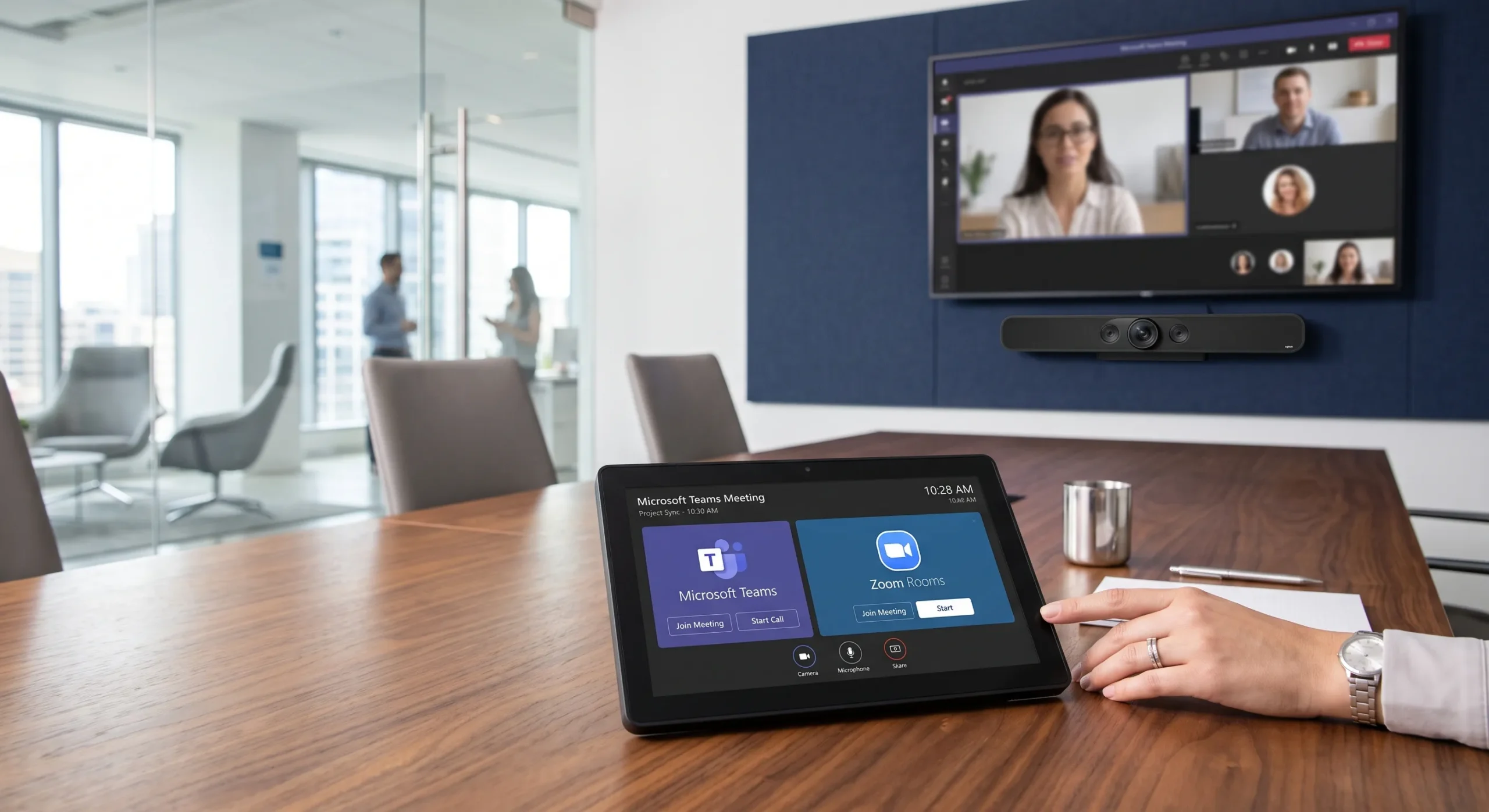
- Microsoft Teams Rooms and Zoom Rooms
- Room-based meeting controls and calendar workflows
- Camera coverage and supported framing functions
- Professional microphones and DSP tuning
Smartopia is a commercial AV integrator in Toronto, coordinating conference room technology, digital signage, AV controls and the infrastructure that supports them. Explore the relevant services for your office, retail or mixed-use property, then define the assessment, integration and handover requirements for your project.
Commercial AV integration brings displays, audio, conferencing, controls and connectivity into a defined project. Smartopia coordinates the required services around how the space will be used, the equipment that can remain and the people responsible for operating it.
Begin with the relevant service below. A combined project can also include supported building-system connections, security infrastructure or commercial EV charging when those requirements are included in the scope.
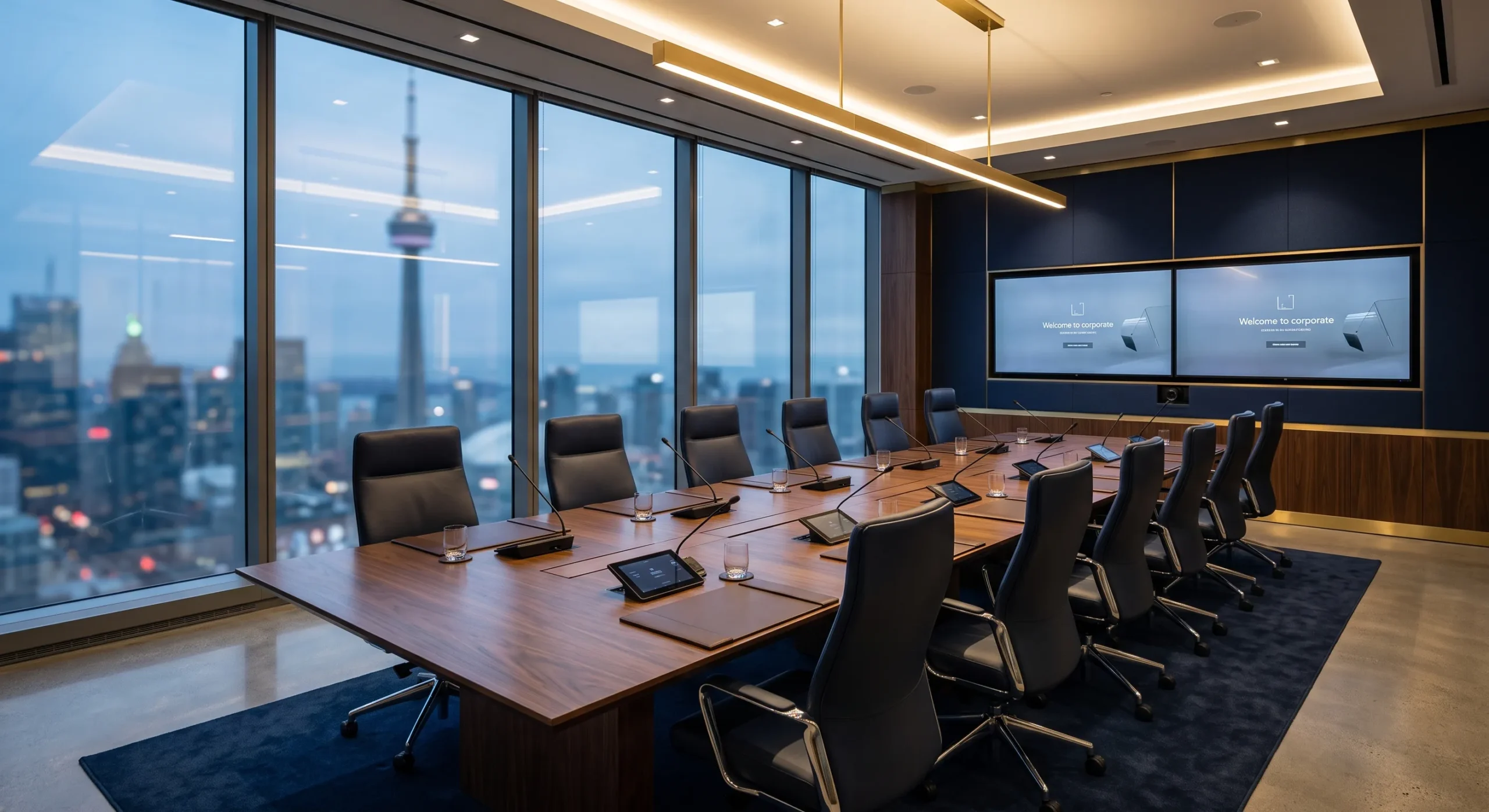
Plan boardrooms, huddle rooms and hybrid meeting spaces around the organization’s platform, seating, presentation needs and support arrangements. The conference room service covers the room-specific displays, cameras, audio, controls and connections.
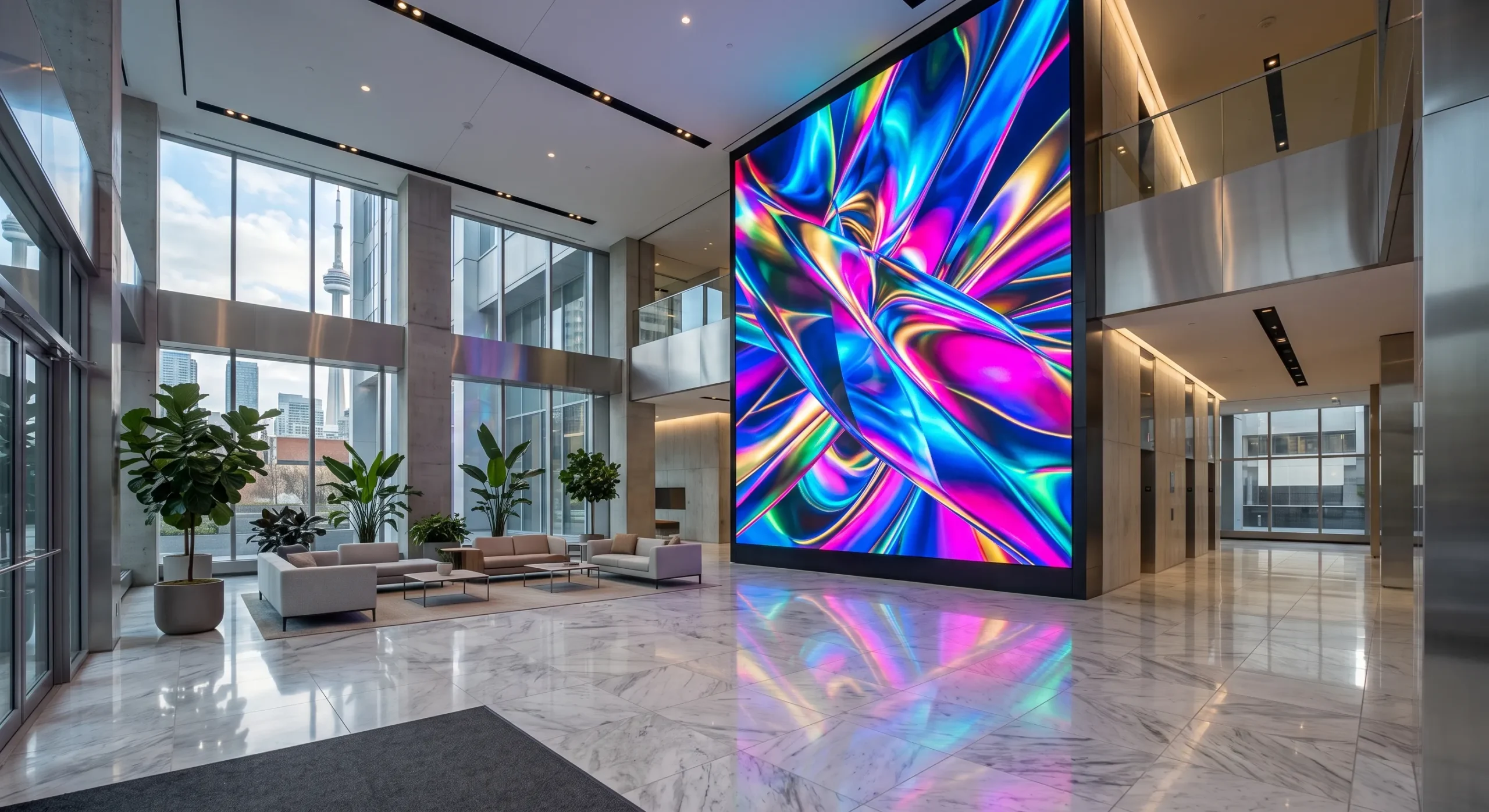
Coordinate screens, mounting, media players and content management for reception areas, retail environments and managed properties. The digital signage service defines screen locations, viewing conditions, publishing responsibilities and supported content functions.
Define what users need to do before selecting the control arrangement. Some rooms can use supported standard configurations; others need custom sequences, interfaces or integration with additional systems.
Agree how a meeting starts, sources are selected, audio is adjusted and the room returns to its normal state.
Confirm the exact device models, supported commands, feedback and required network permissions.
Present the agreed tasks clearly and define the response when a device or connection becomes unavailable.
Agree acceptance tests, backup requirements, file ownership, licences and future-change responsibilities.
Our AV control system programming guide explains these planning considerations. Share the room functions and existing equipment to discuss the programming scope for your project.
Coordinate AV with the property’s IT team. Confirm device locations, wired connections, wireless requirements, power, access permissions and responsibilities for network changes.
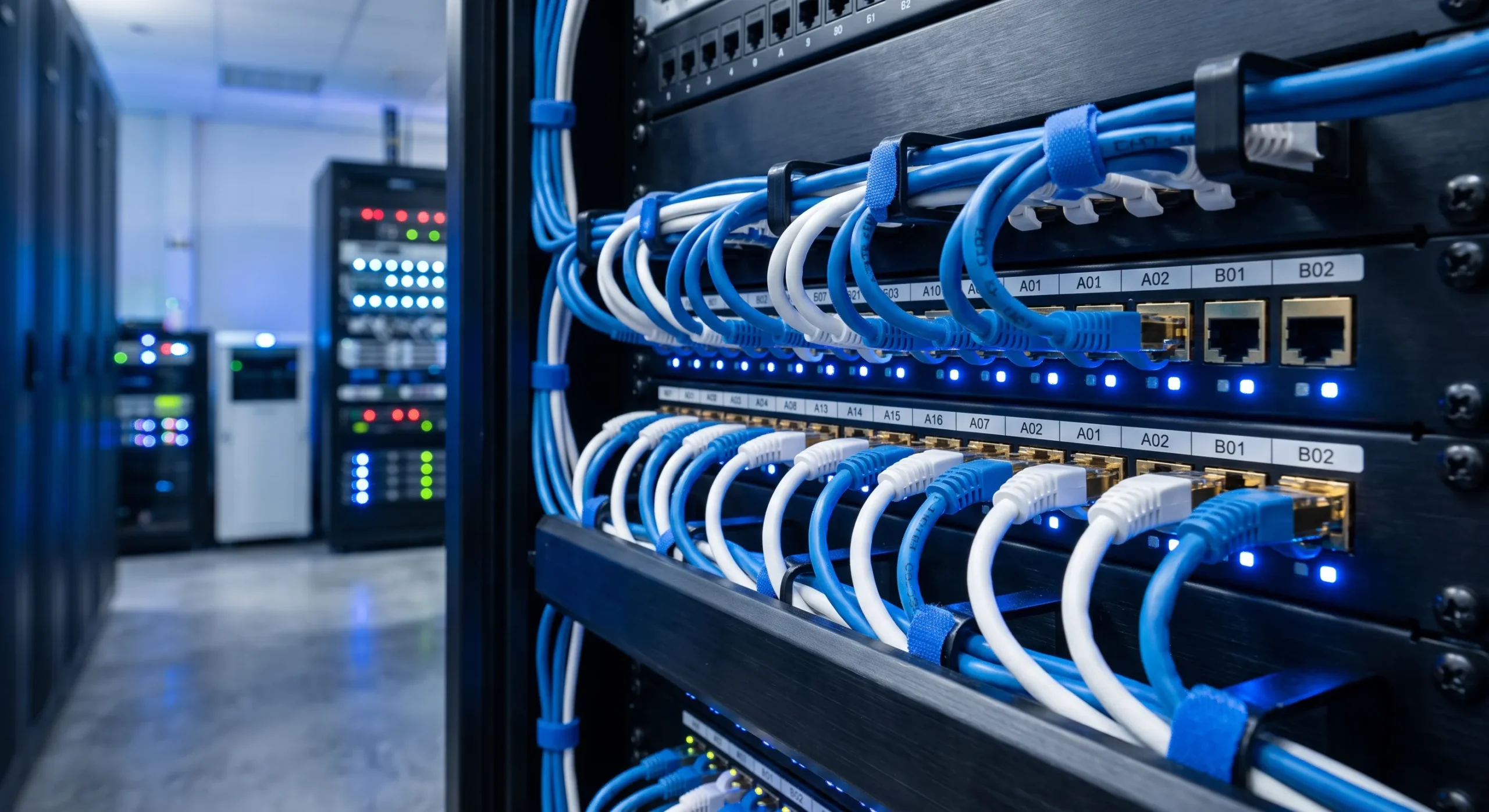
Plan cable routes, outlets, patch panels, racks, labels and the required testing through our network cabling services in Toronto .
Assess coverage, capacity and network separation through our building-wide Wi-Fi and network services .
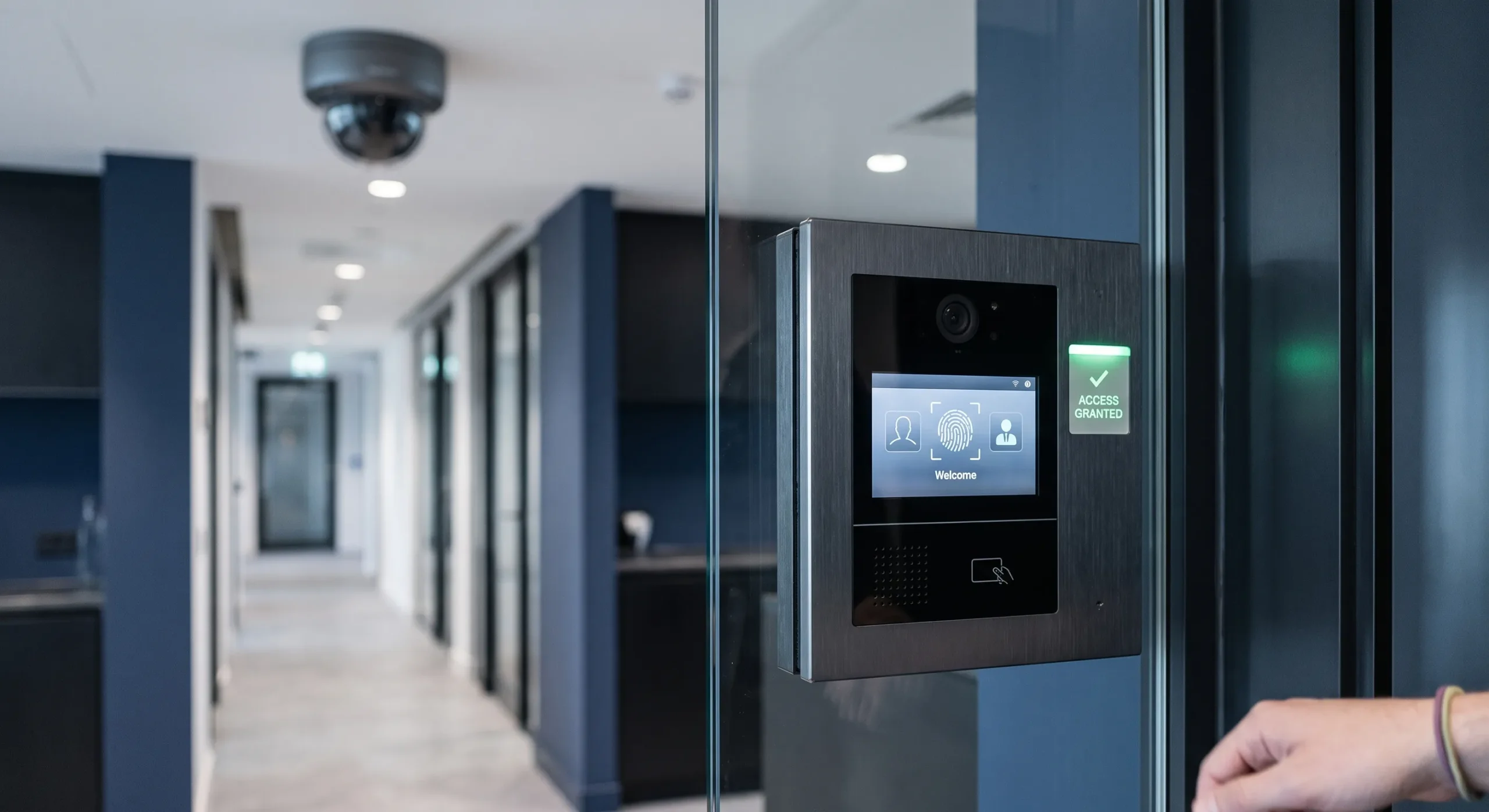
Coordinate selected building and security connections alongside the AV project. Each interface should have an agreed purpose, permitted functions and a responsible system owner.
Commercial properties can coordinate charging requirements with the wider infrastructure plan. Assess parking use, electrical capacity, access, billing and expansion before selecting the charging arrangement. Regulated electrical work and specialist responsibilities should be defined in the project scope.
A commercial AV integrator should establish the project boundaries and responsibilities before equipment is ordered. Agree the requirements for each room or system and how the combined installation will be accepted.
Review the spaces, users, existing equipment, site conditions and operating problems. Identify the teams and service providers involved.
Specify equipment, interfaces, controls, licences, installation responsibilities and the expected deliverables. Identify exclusions and dependencies.
Coordinate the agreed work and test representative meetings, sources, display content and control functions under the intended operating conditions.
Provide the agreed configuration records, labels, test results and user training. Confirm support contacts and responsibilities for future changes.
For an existing room, our hybrid meeting room AV checklist can help organize the issues to assess. For a room installation or relocation enquiry, visit our commercial AV installation and site-visit page .
When requesting an assessment, share the property location, room count, existing equipment, required meeting platform and preferred work window. Confirm hardware, software, cabling, programming, commissioning and ongoing support separately in the quotation.
“Working with Smartopia on the Youth Lounge at St. Mark was an excellent experience.”
Matthew Barsoum — Youth Lounge, St. Mark
Read the published client feedback on Smartopia’s AV installation page .
Smartopia provides commercial AV integration for Toronto and GTA offices, boardrooms, retail and mixed-use properties. The project scope can coordinate conference rooms, digital signage, AV controls and supporting network infrastructure.
Yes. The project can coordinate meeting spaces and signage while defining the equipment, content, controls and responsibilities for each system. Confirm shared infrastructure and integration requirements during assessment.
Rooms can be designed around Teams Rooms, Zoom Rooms or suitable BYOD workflows. Confirm the selected platform, accounts, licences, guest-meeting requirements and supported equipment before specifying how users will join meetings.
No. Some systems use supported standard configurations. Custom programming may be appropriate for combined rooms, multiple sources, bespoke interfaces or additional integrations. The required workflow and equipment determine the scope.
Potentially. Review its condition, supported interfaces, manufacturer support and compatibility with the proposed workflow. Retained equipment should pass the agreed acceptance tests.
Cost depends on the spaces, equipment, existing infrastructure, interfaces, programming, licences, installation conditions and commissioning requirements. An assessment is needed to establish a comparable project scope and quotation.
The agreed package may include equipment records, labels, connection information, configuration backups, test results and user training. Confirm program-file ownership, editing rights, licences and recovery responsibilities in the contract.
Support depends on the agreed service arrangement. Confirm covered equipment, fault-reporting contacts, remote-access permissions, response expectations, recurring fees and responsibilities for software or configuration changes.
Tell us which spaces and systems your project needs to connect. Smartopia can help define the assessment and service scope for commercial AV integration in Toronto and the GTA.