
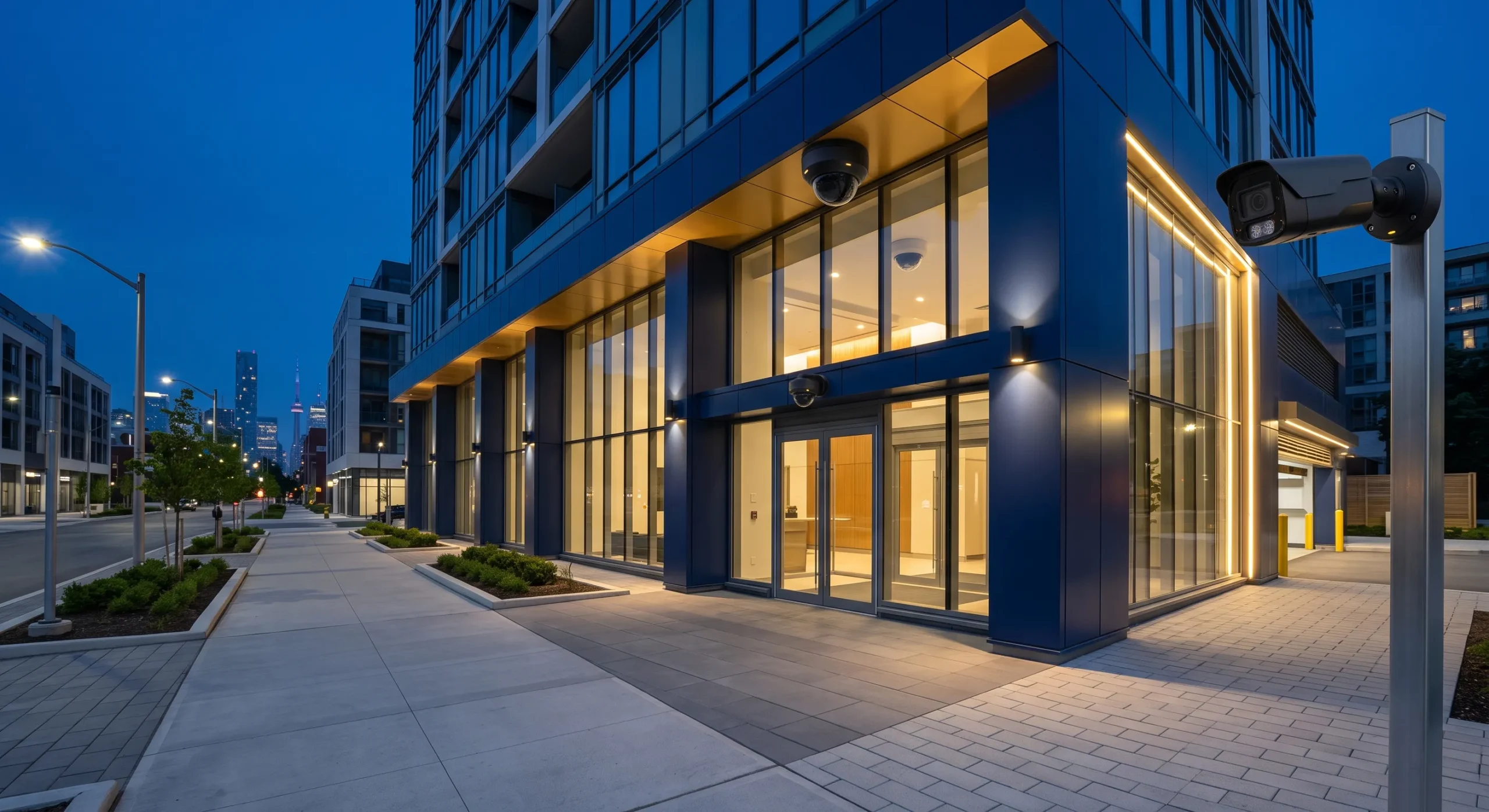
Last updated: 13 October 2026Professional security camera installation in Toronto involves more than mounting cameras and connecting a recorder. A reliable surveillance system must be designed around the property’s security risks, lighting, entrances, blind spots, network capacity, video-retention requirements and operational procedures.
Smartopia provides CCTV and IP camera solutions for condominiums, offices, retail properties, warehouses, parking facilities and mixed-use buildings across Toronto and the Greater Toronto Area. Our work can include site assessment, camera selection, structured cabling, network configuration, local or cloud recording, secure remote access, testing, documentation and integration with access control and video intercom systems.
Security Camera Installation Toronto: Quick Answer
A professional Toronto security camera installation should include a documented site assessment, defined coverage objectives, suitable cameras and lenses, secure cabling, correctly sized storage, protected remote access, privacy controls, system testing and user training. The installer should explain what each camera is intended to capture and provide a clear handover package after commissioning.
What Does Professional Security Camera Installation in Toronto Include?
Professional security camera installation in Toronto includes security assessment, coverage design, equipment selection, cabling, network and storage planning, physical installation, system configuration, commissioning and operational handover.
Property and Security Risk Assessment
The process should begin with a walkthrough of the property and a discussion with the people responsible for security, operations and property management. The objective is to understand why surveillance is required before deciding how many cameras to install.
The assessment should review:
- Primary, secondary and emergency entrances
- Reception desks and visitor arrival areas
- Parking garages, ramps and vehicle entrances
- Loading docks, shipping areas and delivery routes
- Elevator lobbies, stairwell entrances and corridors
- Cash-handling, point-of-sale and customer-service areas
- Storage rooms, server rooms and restricted locations
- Outdoor boundaries, gates and building approaches
- Existing lighting and seasonal visibility conditions
- Previous incidents and recurring operational concerns
Each proposed camera should have a documented purpose. One camera might provide a general overview, while another may need to capture identifiable facial or vehicle details. Defining these objectives helps avoid unnecessary surveillance and makes it possible to assess whether the selected equipment provides the required view.
System Design and Equipment Specification
The design should define camera locations, viewing angles, mounting heights, lens requirements, resolution, frame rate, lighting performance, recording method and expected retention period.
A professional proposal should also identify:
- Camera models or required technical specifications
- NVR, server or cloud-recording architecture
- Storage assumptions and recording calculations
- PoE switches and available network capacity
- Structured cabling and pathway requirements
- Remote-access and user-permission controls
- Required licences and recurring fees
- Integration with access control or intercom systems
- Testing, training, documentation and warranty scope
Installation, Testing and Handover
After installation, cameras should be tested during representative daytime and nighttime conditions. Testing should confirm image quality, focus, field of view, recording, event detection, time synchronization, remote access and footage export.
The final handover may include a camera schedule, device names, camera locations, network information, storage settings, administrator responsibilities, warranty details and basic troubleshooting instructions.
CCTV Installation in Toronto for Different Property Types
CCTV installation in Toronto should reflect the way a property is occupied and managed. A warehouse, condominium, retail store and corporate office will have different risks, privacy considerations and video-review workflows.
Commercial Security Cameras for Offices
Office camera systems commonly focus on reception areas, building entrances, elevator lobbies, parking facilities, server rooms and other controlled areas. Camera placement should support the documented security purpose without unnecessarily monitoring normal employee activity.
Office systems may be integrated with access control systems so authorized personnel can associate recorded video with door-access events.
Security Cameras for Condos and Multi-Residential Buildings
Condo security camera systems may cover lobbies, parcel areas, controlled entrances, parking garages, bicycle rooms, elevator lobbies and shared amenity entrances. The design should establish who can access recordings, how resident requests are handled and how long footage is retained.
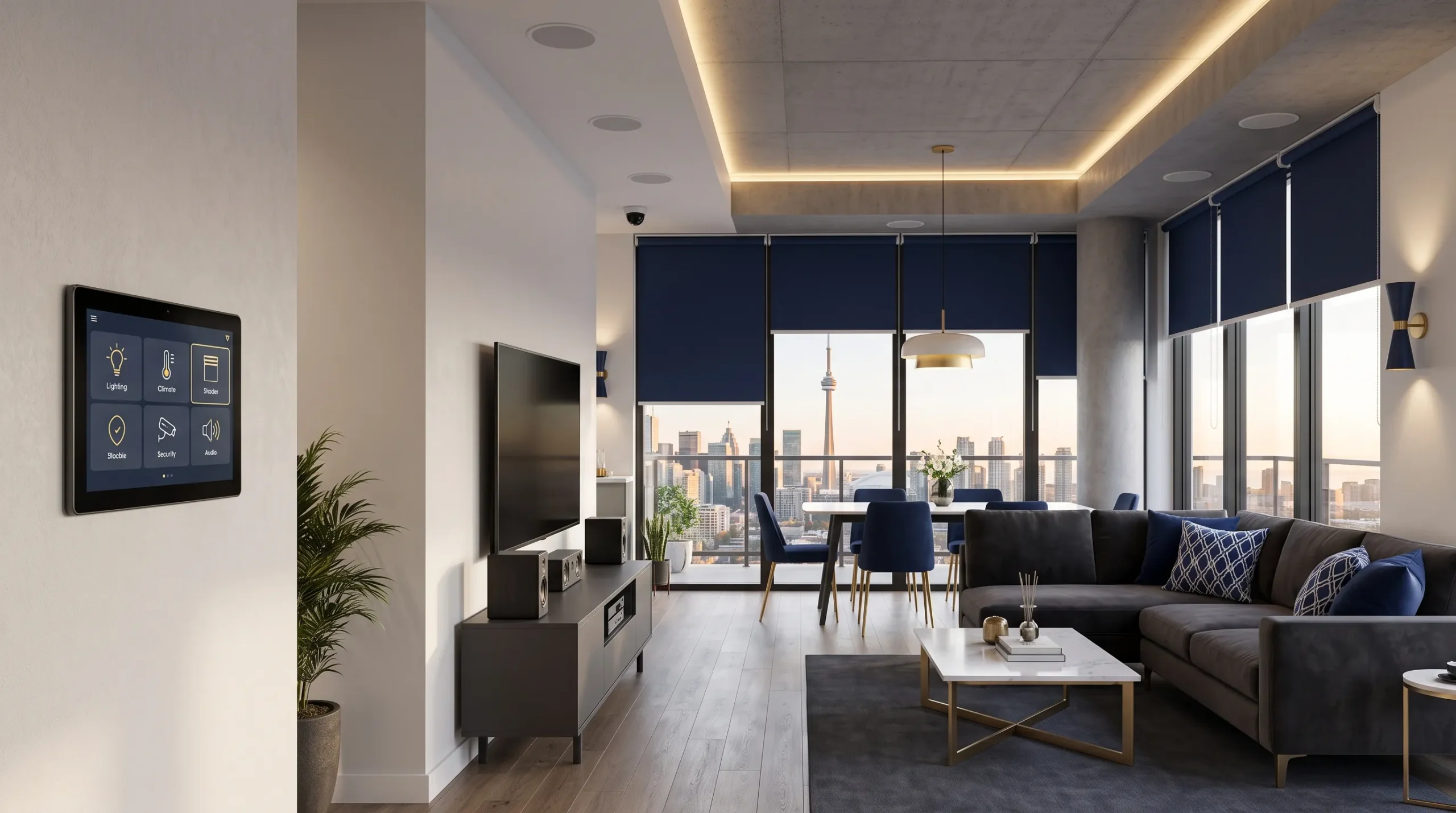
Smartopia also provides broader residential technology solutions for Toronto condominiums, including networking, building automation, access control and connected property systems.
Retail Security Camera Systems
Retail surveillance may cover entrances, exits, checkout areas, receiving areas, stockrooms and high-value merchandise zones. The system should balance overview coverage with the detailed views required to review transactions or investigate incidents.
Warehouse and Industrial CCTV
Warehouses often require long viewing distances, high mounting positions, loading-dock coverage and cameras that can operate under changing lighting conditions. Multi-sensor, panoramic or PTZ cameras may be considered for large areas, while fixed cameras provide consistent views at entrances and defined operational points.
Parking Garage Security Cameras
Parking facilities present challenges including low light, bright vehicle headlights, concrete obstructions, long cable distances and inconsistent network coverage. Cameras should be selected and positioned to provide useful views of pedestrian entrances, vehicle lanes, elevators and payment or access points.
Hospitality and Mixed-Use Properties
Hotels and mixed-use buildings may need different permissions for property management, security personnel, commercial tenants and residential teams. A suitable platform can support centralized system-health monitoring while maintaining appropriate access boundaries.
Choosing the Correct Security Camera Type
The correct camera depends on the viewing objective, mounting position, lighting, weather exposure, required detail and physical risk at each location. Resolution alone does not determine whether recorded footage will be useful.
| Camera Type | Suitable Applications | Main Considerations |
|---|---|---|
| Dome Camera | Offices, retail spaces, lobbies and common areas | Housing design, impact rating, installation position and potential reflections from the dome |
| Turret Camera | Entrances, corridors and parking areas | Viewing angle, environmental rating and infrared performance in the installed position |
| Bullet Camera | Building exteriors, loading areas and property boundaries | Directional view, mounting protection and exposure to weather or tampering |
| Panoramic Camera | Large lobbies, retail floors and open shared spaces | Wide coverage with image detail dependent on distance, resolution and display processing |
| Multi-Sensor Camera | Warehouses, intersections and large outdoor areas | Multiple views from one mounting location, with suitable network and recording capacity |
| PTZ Camera | Large properties requiring controlled movement and zoom | Does not capture every direction simultaneously and may need supporting fixed cameras |
| License Plate Camera | Vehicle entrances, gates and controlled parking lanes | Vehicle speed, camera angle, distance, exposure and lighting |
4K Cameras vs Lower Resolutions
4K cameras can provide additional image detail, but they may also increase bandwidth and storage requirements. A lower-resolution camera with a suitable lens, angle and lighting may provide more useful footage than a poorly positioned 4K camera.
Resolution should be selected together with lens width, subject distance, frame rate, compression, lighting and the size of the monitored area.
Indoor and Outdoor Cameras
Outdoor cameras should be rated for the expected environment, temperature and exposure. Installation planning should consider rain, snow, condensation, glare, direct sunlight, physical impact and seasonal changes to the camera view.
Weather resistance does not eliminate the need for suitable mounting, cable protection, sealed terminations and ongoing inspection.
Camera Coverage: Detection, Observation, Recognition and Identification
Camera coverage should be planned according to the level of visual detail required. A general overview camera cannot always provide enough detail to identify a person, read a vehicle plate or verify a transaction.
- Detection: determining that a person or vehicle is present
- Observation: reviewing general movement or behaviour within an area
- Recognition: determining whether a viewed person or object appears familiar
- Identification: capturing sufficient detail to support identification under suitable conditions
The project should document the expected objective for each camera and verify the resulting view during commissioning. Entrances and controlled doors may require more detail than general common-area views.
Lighting and Night-Time Performance
Night performance depends on more than the camera’s advertised low-light specification. Headlights, reflective surfaces, glass doors, strong backlighting and infrared reflections can reduce useful image quality.
Commissioning should test cameras under realistic lighting conditions. Some locations may require adjusted positioning, additional lighting or cameras with suitable wide dynamic range and low-light capabilities.
Blind Spots and Overlapping Coverage
Walls, pillars, shelving, vehicles, landscaping and doors can create blind spots. Critical areas may require overlapping views so an incident remains visible as a person moves between camera zones.
Wired IP Cameras vs Wireless Security Cameras
Wired IP cameras are generally suitable for permanent commercial and condo installations because they provide dedicated wired connections and can support centralized PoE power. Wireless cameras may be useful where cabling is impractical, but they still require a suitable power arrangement and dependable wireless coverage.
| Consideration | Wired IP Cameras | Wireless Cameras |
|---|---|---|
| Connection | Uses network cabling | Depends on Wi-Fi or another wireless connection |
| Power | Compatible models can use Power over Ethernet | Requires local power or a suitable battery-management arrangement |
| Reliability | Avoids wireless interference on the camera connection | Depends on signal conditions, interference and building materials |
| Scalability | Suitable for planned multi-camera deployments | Requires assessment of wireless capacity and concurrent video traffic |
| Security | Requires network segmentation, protected credentials and controlled access | Requires equivalent device protections and properly secured wireless communication |
| Typical Use | Condos, warehouses, offices and commercial properties | Selected locations where a wired route is impractical |
Larger camera deployments should be coordinated with the property’s building-wide networking infrastructure.
NVR vs Cloud CCTV Recording and Video Storage
An NVR stores footage locally, cloud recording stores footage in remotely managed infrastructure and a hybrid system combines local recording with selected cloud services. The suitable option depends on retention, internet reliability, remote-management requirements, cybersecurity and recurring costs.
Local NVR Recording
A network video recorder can retain footage at the property and reduce dependence on continuous internet connectivity for recording. It should be installed in a protected location with suitable ventilation, power protection and restricted administrative access.
Cloud-Managed CCTV
Cloud management and cloud video storage are different functions. A cloud-managed system may still record locally, so the proposal should explain where footage is stored and which functions require internet access.
Review upload bandwidth, recurring licences, storage fees, data access, provider dependency and service availability before choosing the architecture.
Hybrid Video Recording
A hybrid design may store continuous footage locally while using cloud services for administration, event clips, alerts or backup. Confirm which recordings remain accessible during an internet interruption and how missing events are handled after connectivity returns.
How CCTV Storage Is Calculated
A simplified continuous-recording estimate uses camera count, average bitrate and recording duration:
Estimated storage in GB per day = camera count × average bitrate in Mb/s × 86,400 ÷ 8 ÷ 1,000
This calculation uses decimal gigabytes and assumes the same average bitrate for each camera. If camera bitrates differ, calculate each camera separately and add the results.
Actual consumption changes with compression, frame rate, scene complexity, motion and recording schedules. Recorder overhead, usable storage capacity and any redundancy requirements also need to be considered.
Storage should be calculated before selecting the recorder or subscription. The proposal should state its assumptions rather than promise a retention period without supporting calculations.
Security Camera Cabling and Network Cybersecurity
IP cameras, recorders and cloud platforms are connected computing systems. Their installation should address both the physical network infrastructure and the security of devices, accounts and remote access.
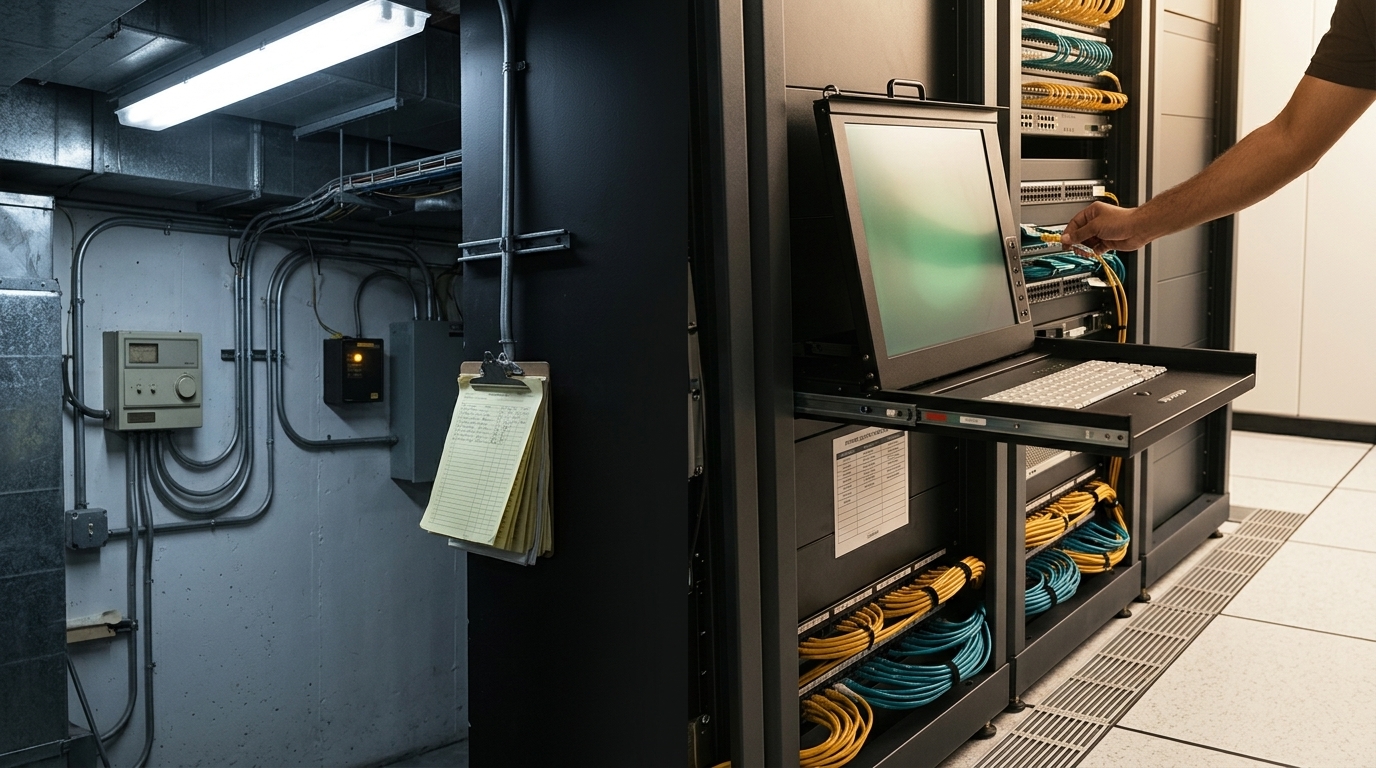
For new camera connections or infrastructure upgrades, explore Smartopia’s structured cabling services for Toronto properties. Camera bandwidth, PoE demand, route length and environmental conditions should be included in the cabling assessment.
A secure camera deployment should consider:
- Replacing default passwords and disabling unnecessary default accounts where supported
- Using individual administrator accounts and strong credentials
- Enabling multi-factor authentication where supported
- Separating cameras from resident, guest or general business traffic
- Restricting communication between security devices and other networks
- Applying supported firmware and security updates
- Disabling unused services and unnecessary external access
- Avoiding uncontrolled direct internet exposure
- Using secure remote-access methods
- Reviewing account activity and system logs
- Removing access when staff or service providers change
- Maintaining configuration and recovery documentation
Physical cabling and cybersecurity serve different purposes. A wired camera still needs protected accounts, supported software and appropriate network controls.
Video Surveillance Privacy and Retention in Canada
A surveillance project should define why cameras are needed, what they will capture and how recordings will be managed. Applicable privacy responsibilities depend on the organization, property, location and use of the system.
A practical privacy plan should address:
- The purpose of each camera and monitored area
- Whether less privacy-invasive measures could meet the objective
- Camera positions and areas that should remain outside the view
- Appropriate notice that video surveillance is in use
- Who may view live and recorded footage
- How footage requests and incident exports are handled
- The documented retention period
- Secure deletion after the retention period
- Procedures for disclosure to other parties
- Response procedures if footage or credentials are compromised
Audio recording should not be enabled simply because a camera supports it. Establish the intended purpose and obtain appropriate privacy or legal guidance before recording conversations.
Use the official privacy resources listed below when developing the organization’s surveillance policy, and obtain advice appropriate to the property where needed.
Integrating CCTV with Access Control, Intercoms and AI Analytics
Compatible security systems can associate recorded video with door events, visitor calls and alarms. These connections can help authorized staff locate relevant footage and review the context of an event.
Access Control Integration
An access-control event can be linked with video from the corresponding door, gate or parking entrance. This helps security teams review denied access, doors held open, invalid credentials or unusual entry activity.
Learn more about commercial access control systems in Toronto.
Video Intercom Integration
A video intercom can combine visitor communication, visual verification and controlled door release. Nearby security cameras may provide an additional view of the entrance or surrounding area.
AI Video Analytics
Depending on the selected products and licences, video-management systems may support:
- Line-crossing and perimeter events
- People or vehicle classification
- Loitering or unusual-duration events
- Occupancy or crowd-threshold alerts
- Object-left or object-removed notifications
- Vehicle and license-plate events
- Search by supported attributes or event metadata
Analytics should be tested under real site conditions. Performance can be affected by camera position, lighting, weather, obstructions and scene complexity. Alerts require an agreed review and response procedure.
Interoperability and ONVIF
Where ONVIF interoperability is required, check the exact product model, firmware, supported profile and required functions. A general statement of compatibility does not confirm that every feature will work between products.
Use the official ONVIF conformance information and confirm the proposed camera, recorder and video-management combination before installation.
Can an Existing CCTV System Be Upgraded?
Many existing CCTV systems can be upgraded in phases if the cameras, cabling, power, recorder and communication interfaces remain suitable for the new requirements.
An upgrade assessment should review:
- Existing camera image quality and condition
- Coaxial, network and fiber cabling
- Recorder channels, storage and supported resolutions
- PoE switch capacity and network bandwidth
- Supported protocols and relevant conformance information
- Remote-access security
- Software, firmware and manufacturer support status
- Integration with access control and other systems
A phased upgrade might replace the recorder first, retain selected compatible cameras and add cameras at priority locations. The sequence should follow the assessment rather than assume that every existing component can be reused.
Security Camera Installation Process and Timeline
The installation timeline depends on camera quantity, cable routes, ceiling access, working hours, access equipment and integrations. An occupied commercial building may require phased work and agreed service interruptions.
- Consultation: identify property concerns, operating requirements and project priorities.
- Site assessment: inspect coverage areas, lighting, cabling pathways, network equipment and recorder locations.
- System design: define cameras, lenses, storage, networking, permissions and integrations.
- Written proposal: document equipment, installation scope, assumptions, exclusions and recurring fees.
- Installation: install cabling, cameras, network equipment and recording infrastructure.
- Configuration: configure camera names, recording rules, alerts, permissions and remote access.
- Commissioning: test views, image quality, night performance, recordings and exports.
- Handover: provide training, documentation and support information.
Occupied buildings may require after-hours work, access coordination and temporary protection of finished surfaces. Confirm these arrangements before installation begins.
Security Camera Installation Cost in Toronto
The cost of security camera installation in Toronto depends on camera quantity, required image detail, cabling difficulty, recorder and storage capacity, network equipment, analytics, integrations and ongoing licences.
For a separate breakdown of budget considerations, equipment, installation and recurring recording costs, read our CCTV installation cost guide for Toronto businesses. Use it to prepare questions for a property-specific quotation.
Main Cost Factors
- Number and type of cameras
- Resolution, lens and low-light requirements
- Indoor, outdoor or impact-resistant equipment
- Cable distances and installation pathways
- Access equipment and high mounting locations
- NVR, server or cloud-recording platform
- Required video-retention period
- PoE switches and network upgrades
- Remote-management and cloud subscriptions
- Access control, intercom or alarm integration
- Testing, training, documentation and warranty
Compare proposals using the complete scope. A package may exclude cabling, storage upgrades, network equipment, difficult mounting conditions, licences or commissioning.
What Should a CCTV Quote Include?
A professional quotation should identify cameras or functional specifications, recorder capacity, storage assumptions, cabling work, network equipment, configuration, testing, warranty terms, documentation, recurring costs and exclusions.
Request an assessment for your security camera installation.
Why Choose Smartopia for Security Camera Installation?
Smartopia approaches surveillance as part of the property’s wider technology environment. The camera system, network, access control, intercom and building platforms can be assessed together so that responsibilities and integration requirements are defined before installation.
Project planning can address:
- Coverage based on documented security objectives
- Structured cabling and network requirements
- Local NVR, cloud-managed and hybrid recording options
- Compatibility with access control and intercom systems
- Remote-access and permission planning
- Testing, user training and handover documentation
- Phased upgrades and future expansion
- Property requirements across Toronto, Mississauga and the GTA
For projects involving meeting rooms, displays and connected workplace systems, explore Smartopia’s commercial AV and technology integration services in Toronto.
Learn more about Smartopia’s technology integration approach.
Security Camera Installation Toronto FAQs
Who provides professional security camera installation in Toronto?
Smartopia provides professional security camera installation for condos, offices, retail properties, warehouses, parking facilities and mixed-use buildings across Toronto and the GTA. Services can include assessment, system design, cabling, camera installation, recording, remote access, testing and integration.
How much does security camera installation cost in Toronto?
Cost depends on camera quantity, equipment specifications, cable routes, installation difficulty, recording capacity, network equipment and integrations. A site assessment is required to provide an accurate quote because standard camera packages may not account for the property’s actual conditions.
How many security cameras does a property need?
Camera quantity should be based on entrances, blind spots, security risks, viewing objectives, lighting and required image detail. A smaller property may need several carefully positioned cameras, while a large or multi-floor building may require multiple coverage zones.
Are 4K security cameras worth installing?
4K cameras can provide additional detail where the lens, distance and lighting support it. They also require more bandwidth and storage. The decision should be based on the required evidence at each location rather than using the same resolution for every camera.
Are wired IP cameras better than wireless cameras?
Wired IP cameras are generally preferred for permanent commercial and condo systems because they provide stable connectivity and centralized PoE power. Wireless cameras may be suitable where cabling is impractical, provided reliable power, signal coverage and network security are available.
How long should CCTV footage be retained?
There is no single retention period suitable for every property. Retention should be based on a documented operational or security requirement and limited to what is reasonably necessary. Storage capacity, privacy obligations and incident-discovery timelines should be considered.
Can CCTV footage be viewed remotely?
Yes. Compatible systems allow authorized users to view live and recorded footage from approved devices. Remote access should use strong authentication, limited permissions and secure communication rather than exposing the recorder directly to the internet.
Can existing security cameras be retained during an upgrade?
Some existing cameras, cabling and network equipment can be retained when they remain functional and compatible. An assessment should confirm video quality, protocols, power, recorder compatibility, firmware support and cybersecurity before existing components are reused.
Can security cameras integrate with access control and intercoms?
Yes. Compatible systems can associate video with door events, visitor calls, parking entry and alarm activity. Integration capabilities depend on the selected cameras, video-management system, access control and intercom platforms.
Do security cameras need ongoing maintenance?
Yes. Maintenance may include cleaning lenses, checking camera positions, testing recordings, confirming storage retention, reviewing user accounts, updating supported firmware and testing remote access. Outdoor cameras should also be inspected for environmental or physical damage.
Plan Your Toronto Security Camera Installation
Discuss your property, coverage requirements, recording preferences, privacy responsibilities and integration goals with Smartopia. An assessment can identify suitable cameras, cabling, network requirements, video storage and project phases.
For an existing system, include any available equipment list and describe problems with image quality, missing recordings, remote access or coverage. For a new installation, share the property type and areas requiring assessment.
Official Sources and Further Reading
- Office of the Privacy Commissioner of Canada: Guidelines for Overt Video Surveillance
- Information and Privacy Commissioner of Ontario: Guidelines for the Use of Video Surveillance
- Canadian Centre for Cyber Security: Internet of Things Security
- ONVIF: Official Conformance Profiles
- ONVIF: Conformant Products Database
About the Author
The Smartopia Technology Team prepares content covering commercial AV, security systems, building automation, networking and connected-property technology for Toronto and GTA properties.
Comments are closed