

Reduce Complexity in Multi-System Properties with Seamless Integration
Multi-system property integration connects selected functions across a building’s controls, security, audiovisual equipment, networks and other technologies. For property managers, the goal is practical: make routine tasks easier to complete, show the information staff need and clarify who responds when something stops working.
A property does not need every device on one screen to operate well. It needs compatible connections, appropriate permissions and documented workflows. This guide explains how to plan integration for commercial, condominium and mixed-use properties in Toronto and the GTA, while keeping equipment limitations and ongoing support in view.
Start with Property Workflows, Not a Dashboard
Separate systems become a management problem when staff must repeat work, search for information or coordinate several suppliers to resolve one issue. Start by listing those tasks rather than selecting a control platform first.
For example, opening an amenity room might involve lighting, ventilation, AV and permitted access. A useful project defines which of those functions should follow a schedule, which require staff approval and which remain within their dedicated system.
- Identify the task: Describe what staff or occupants need to accomplish.
- Record the friction: Note duplicate steps, unclear alarms or repeated service calls.
- Assign an owner: Name who approves the workflow and who supports it.
- Define success: Agree on an observable result, such as fewer manual setup steps.
This keeps the integration brief focused on the property’s daily operation. Adding data to a screen is only useful when it helps someone make a decision or complete a task.

Choose What to Monitor, Control or Keep Separate
Integration can mean viewing status, receiving an event or sending an authorized command. Those are different permissions and should be specified individually. A dashboard that displays a door alarm does not necessarily need permission to unlock that door.
The following examples are planning possibilities, subject to equipment support and project approval:
| System | Possible workflow | Boundary to confirm |
|---|---|---|
| HVAC and lighting | Coordinate approved operating schedules for a shared area. | Local overrides, equipment protections and operating limits. |
| Access control | Show a permitted event or alert to authorized property staff. | Credential administration and door permissions remain restricted. |
| Commercial AV | Provide a room-start sequence for displays and audio. | Local controls and behaviour when the integration is unavailable. |
| EV charging | Display selected charger status or send a maintenance notification. | Operator permissions, billing responsibilities and supported interfaces. |
| Building networks | Provide approved connectivity between the required services. | Guest access, management access and operational network boundaries. |
For supervisory controls and compatible equipment connections, explore Smartopia’s building management system integration services. The scope should identify exactly which points are visible and which actions are permitted.
Check Compatibility Before Promising One Interface
“Open standard” is a starting point for assessment, rather than proof that every feature will work between two products. Check the installed models, firmware, software versions, licences and supported interfaces against the required workflow.
BACnet International’s BTL certification programme independently tests products for compliance and interoperability. Review the listing for the actual product and version, then confirm that the required functions and data points are available.
EV charging uses a different communications context. The Open Charge Alliance describes OCPP as a protocol between charging stations and charging management systems. An OCPP label does not establish a ready-made connection to a building dashboard. The backend, permitted data access and intended functions still need review.
- Request interface documentation before committing to an integration.
- Confirm whether access is read-only, event-based or permitted to issue commands.
- Identify gateways, API subscriptions, usage limits and recurring licence costs.
- Test the required exchange using representative equipment where practical.
Design Views Around the People Using Them
A useful interface presents the information needed for a specific role. The concierge, facilities team, IT provider and charging operator may have different tasks and different access requirements.
For each view, agree on the location names, status indicators and actions a user can take. An equipment alarm should identify the affected area and the responsible contact. A disconnected device should not appear to be healthy simply because its last recorded value is still displayed.
- Prioritize actionable information: Show important exceptions without overwhelming staff.
- Make data quality visible: Identify stale values and unavailable connections.
- Restrict commands: Give each role only the permissions its tasks require.
- Train with real scenarios: Practise a room setup, a fault investigation and an escalation.
For shared meeting and amenity spaces, Smartopia’s commercial AV integration services can be discussed as part of the room’s operating brief.
Plan Network Access and Failure Behaviour Together
A shared interface does not require an unrestricted shared network. Define the connections that are needed and separate access according to the systems’ roles. Guest Wi-Fi users should not gain administrative access to building controls through an integration project.
The Canadian Centre for Cyber Security’s OT procurement guidance highlights features including strong authentication, logging, secure communications and configuration management. Include those capabilities in product selection and assign responsibility for maintaining them.
Also define what staff should expect if a gateway, server or external connection becomes unavailable. Which local controls remain usable? Who receives a fault notification? How is normal operation verified after reconnection?
Review connectivity through Smartopia’s building-wide networking services where appropriate. Life-safety functions and security overrides require specialist review within the applicable system design; a convenience dashboard should not introduce unreviewed control dependencies.
Use a Phased Integration Roadmap
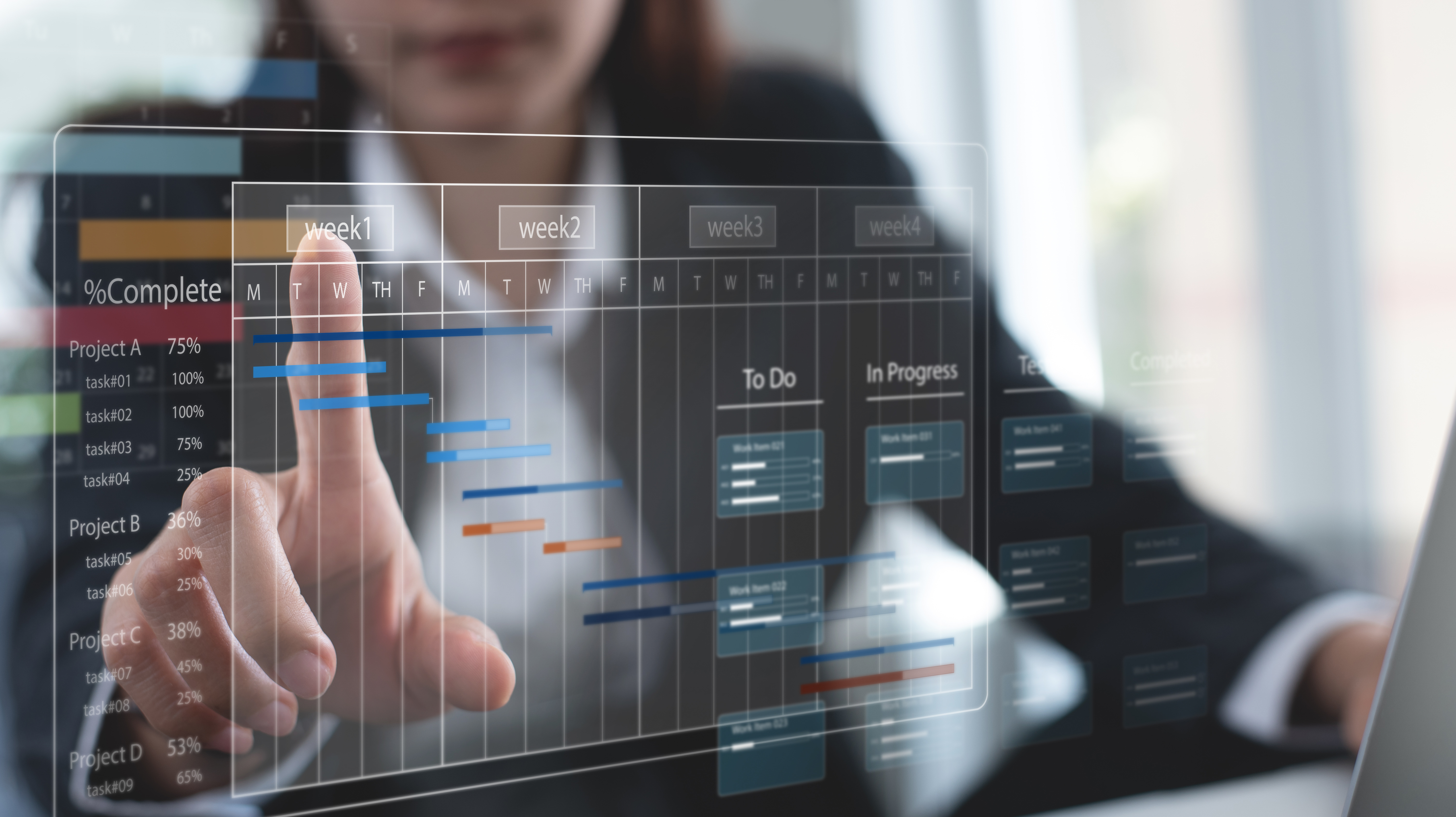
Multi-system property integration can be delivered in stages when the equipment and operating arrangements allow it. A pilot area helps the team evaluate the workflow before repeating it across the property.
- Inventory the property: Record systems, locations, vendors, versions, support contracts and available documentation.
- Rank the tasks: Choose the workflows with a clear operational benefit and manageable dependencies.
- Specify the connections: Define data points, commands, permissions, notifications and network requirements.
- Agree responsibilities: Identify the integrator, IT provider, equipment vendors and property representatives involved.
- Test a limited scope: Validate normal use, unavailable connections and recovery before wider rollout.
- Expand after acceptance: Carry forward lessons, updated documentation and staff feedback.
Suitable existing equipment may remain in service. Retention should follow a compatibility and condition review; replacement should solve a defined limitation. Schedule work around tenant access, shared-space use and approved maintenance windows.
Agree Acceptance Tests Before Installation
“Everything connects” is too vague to be an acceptance criterion. Describe what a user should see or be able to do, and record the result under agreed test conditions.
- Normal operation: Confirm the approved schedule, room sequence or information display.
- Permissions: Verify that each role can perform its assigned actions and cannot perform restricted ones.
- Fault handling: Check whether unavailable devices and missing data are identified clearly.
- Notification: Confirm that the intended recipient receives the test alert with enough context to respond.
- Recovery: Verify the agreed behaviour after a planned interruption and reconnection.
- Handover: Confirm that staff can locate instructions, backups and support contacts.
Use the same measures before and after the change where possible. Fewer manual steps or clearer fault routing can demonstrate an operational improvement. Energy savings, lower costs or faster responses need their own measurements and should not be inferred from dashboard installation alone.
Clarify Costs, Ownership and Ongoing Support
An integration partner can coordinate work, but specialist equipment suppliers may still be required. Define responsibility for each system and for the connection between systems so a fault does not become a series of referrals.
Ask the proposal to separate hardware, gateways, engineering, programming, network changes, licences, commissioning and training. Identify recurring charges for cloud services, APIs, remote monitoring or support.
- Access and records: Who holds administrative accounts, configuration exports and project documentation?
- Change management: Who checks whether an update affects an integration?
- Support coverage: What hours, response targets, exclusions and escalation paths are included?
- Future changes: What is needed to add equipment or move to another service provider?
A clear handover should include the approved workflow descriptions, system inventory, interface records, test results and recovery instructions within scope. Maintenance and response commitments should follow the agreed support arrangement rather than an assumed promise of continuous availability.

Discuss Your Property Integration Priorities with Smartopia
Smartopia’s technology services cover building controls, AV, networking, security and EV charging. For a multi-system project, start by identifying the daily tasks you want to simplify and the equipment already in place. The supported interfaces and final scope need confirmation during assessment.
Share your Toronto or GTA property location, property type, current systems, recurring operational problems and planned renovation or maintenance windows. These details help frame a practical discussion about priorities and dependencies.
If charging is part of the project, review Smartopia’s commercial EV charging services. For the wider brief, contact Smartopia about your property integration requirements or call +1 (888) 404-5888.
Multi-System Property Integration FAQs
Can every building system be managed from one platform?
Not necessarily. Available functions depend on supported interfaces, licences, permissions and operational requirements. Selected monitoring or commands may be integrated while specialist administration remains in the original system.
Do we need to replace all existing equipment?
No. Suitable equipment may be retained after reviewing condition, support status and compatibility. A phased project can focus on specific workflows and replace only the components needed for the agreed scope.
Do open standards guarantee compatibility?
No. Confirm the actual models, software versions and supported functions. Product certification and interface documentation help the review, but the intended workflow still needs to be specified and tested.
Can integration reduce property operating costs?
It may reduce repeated work or improve fault handling, but results depend on the installation and ongoing operation. Compare baseline measures and include recurring software, monitoring and support charges when evaluating costs.
Who supports the property after handover?
The support agreement should name the contact for each system, the coordinator for cross-system faults and the escalation process. Confirm coverage, response targets and update responsibilities before acceptance.


Comments are closed