
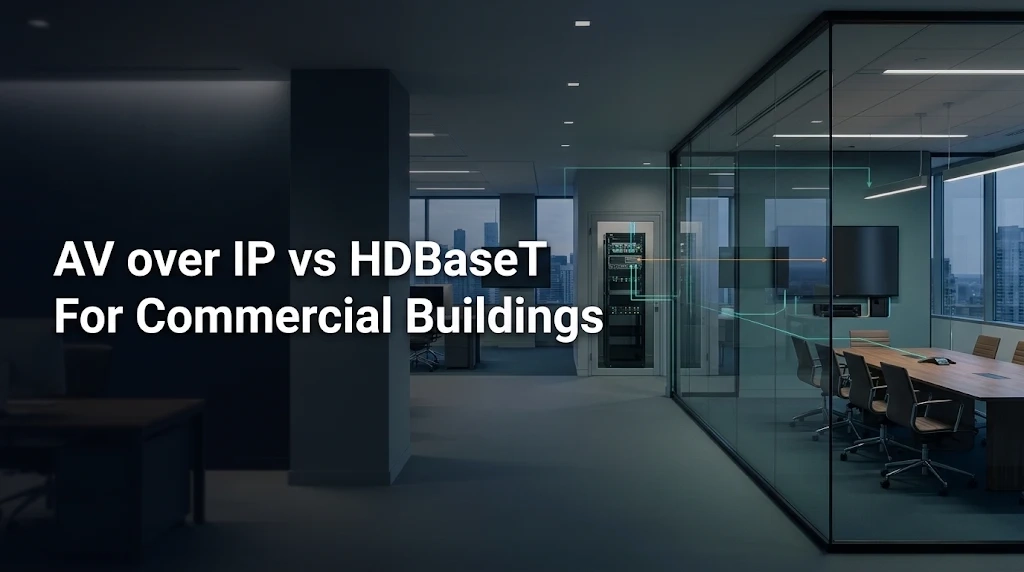
How the two systems carry audio and video
AV over IP sends media over an Ethernet network. In a typical design, an encoder receives a signal from a laptop, camera or media player. The network carries the resulting stream, and a decoder at the display outputs the selected source. A control interface manages the routes. The platform determines the stream rate, compression, supported formats and compatibility between endpoints.
HDBaseT sends audio and video between compatible devices over a dedicated Category cable. A transmitter and receiver can extend one source. A matrix can connect several sources to several outputs, with a dedicated link to each remote receiver. The HDBaseT Alliance lists support for uncompressed 4K at 60 Hz with 4:4:4 chroma up to 100 metres under supported HDBaseT 3.0 conditions. Confirm the actual products, cable type and distance before using that figure in a design.
AV over IP vs HDBaseT at a glance
| Decision factor | AV over IP | HDBaseT |
|---|---|---|
| Signal path | Encoders and decoders connect through Ethernet switches. | Compatible endpoints connect over dedicated cable links. |
| Source selection | Supports changing routes across rooms where the selected platform and network allow them. | A matrix can route multiple sources to its connected outputs. |
| Expansion | Check endpoint capacity, spare ports, uplinks and any licence requirements. | Check available matrix outputs, cable routes and distance limits. |
| Video and timing | Test picture quality, switching and delay with the chosen codec and network load. | Confirm the specified format at the planned distance and test the full source-to-display path. |
| Support | Assign responsibility for AV endpoints, network changes and device configuration. | Document matrix routes, cable labels and access to endpoint hardware. |
Compare AV over IP vs HDBaseT against the routes people need on the busiest day. Twelve screens that always show the same feed create a different network and control requirement from twelve screens that can independently select from six live sources. A list of devices helps with purchasing. A routing schedule shows what the system needs to do.
Which option fits your building?
A boardroom with a fixed display layout
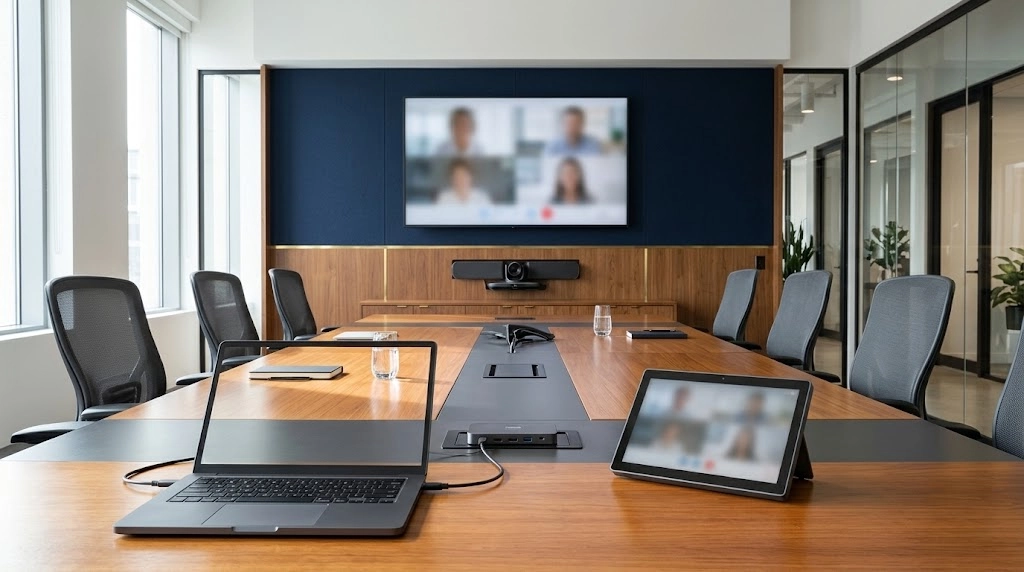
Suppose a boardroom has a presentation connection at the table, a room computer in the equipment cabinet and two displays that normally mirror each other. When comparing AV over IP vs HDBaseT for this room, check whether the dedicated cable can reach each display and whether the chosen equipment supports the required resolution and input switching. If the design must also extend a USB camera or touch input, confirm that function separately. Include those requirements in the conference room AV installation scope before specifying hardware.
A multi-floor office with independent feeds
Imagine a three-floor office that sends a live presentation to a training room and overflow screens. The reception display can switch to the live event while other spaces keep their own feeds. In this AV over IP vs HDBaseT comparison, independent source selection and existing fibre links between equipment rooms make AV over IP a candidate. List how many different streams will cross each uplink at once and who can change routes during an event. If a lobby display only needs scheduled content, include a local media player in the options for that screen.
What changes the cost and performance?
Network capacity and the number of active feeds
In an AV over IP vs HDBaseT evaluation, find the most heavily used path first. For an IP design, use the stream rates supplied by the vendor and map concurrent streams to the uplinks that carry them. If four distinct streams each use an illustrative 250 Mbps and all cross one link together, the video payload alone reaches 1,000 Mbps. A 1 Gbps uplink leaves no capacity for overhead or other traffic in that example. The stream rate is hypothetical. Use measured or documented rates from the platform you are evaluating.
Existing cabling and spare pathways
Existing infrastructure can change an AV over IP vs HDBaseT decision. Check where the installed cables terminate and what has been tested. A home run to the equipment cabinet can suit an HDBaseT extension if the link meets the selected equipment’s requirements. Cables already terminated at floor switches may suit an IP design after the network team confirms the ports and uplinks. Record any new pathways, work above occupied spaces and changes needed at the rack before comparing installation quotes.
Delay, picture quality and source switching
When testing AV over IP vs HDBaseT, measure delay from the source through to the final display. Codecs, scaling, display processing and audio routing can affect what the audience experiences. Test small spreadsheet text, motion and speech on the equipment people will use. If someone in an overflow area can hear the presenter directly and see a live feed, check the timing between those two paths. Record the time to switch sources and recover a picture after an interruption.
Installed cost and the next expansion
Price both the first installation and a realistic expansion when comparing AV over IP vs HDBaseT. Include endpoints, switch or matrix capacity, cable pathways, licences where applicable, commissioning and support. Ask each supplier to price the same future change, such as adding one room with two displays. This reveals whether expansion requires a spare port and endpoint, a new cable run, a larger matrix or a network upgrade.
How to choose between AV over IP and HDBaseT
Use these six steps to turn an AV over IP vs HDBaseT comparison into a shortlist that your AV installer, IT team and building manager can review together.
-
Map your sources and displays
List every source, display and room. Mark which displays mirror a feed, which need independent selection and what must run at the same time. Include the workflows for normal meetings, training sessions and live events.
-
Survey the available cable routes
Record cable type, end-to-end route length, patch points and fibre between equipment rooms. Compare the available structured cabling and fibre infrastructure with the cable and distance requirements in each proposal.
-
Set the acceptance criteria
Write down the required video format, audio path, switching behaviour and any USB or control functions. Decide what counts as a pass for small text, lip sync, live feeds and the way the system recovers after an interruption.
-
Check capacity and agree who will support it
For AV over IP, verify switch ports, uplink capacity and multicast requirements where applicable. For HDBaseT, check available matrix ports, cable distance and endpoint compatibility. Add the assumptions and support responsibilities to the AV network integration plan.
-
Run a pilot with the actual equipment
Connect a representative source, endpoint and display. Switch inputs, play video with audio and test multiple active routes if the design calls for them. Record which requirements pass and what needs adjustment.
-
Choose the design and document the handover
Compare the pilot results, installed costs and planned expansion. Record the final AV over IP vs HDBaseT decision and save the routing schedule, cable labels, equipment details, test results and support contacts.
Frequently asked questions
Can HDBaseT run through a standard Ethernet switch?
A conventional HDBaseT AV link uses compatible endpoints and a dedicated cable path. Route the AV signal through ordinary Ethernet switches only when the equipment is designed to carry it over IP.
How does cabling affect an AV over IP vs HDBaseT design?
Both can use Category cable in supported configurations. The difference is how they carry and route the signal. HDBaseT typically uses dedicated links, while AV over IP relies on Ethernet switching and can use fibre uplinks between switches.
Does AV over IP require a separate physical network?
The choice depends on the platform, network capacity and IT policy. The design may use dedicated switches or a suitable segment on approved shared infrastructure. Confirm switch features, uplink capacity and support ownership with the network team.
What affects latency in an AV over IP vs HDBaseT comparison?
Test both proposed systems with the same source and display, including any scalers and audio processors. Run the AV over IP test under representative load. Check the delay a viewer would notice and the alignment between picture and sound.
Can one building use both AV over IP and HDBaseT?
Yes. A boardroom can use HDBaseT for a local display and AV over IP to distribute a selected source to other floors. Document the transition between the two systems and test the full path from the source to the most distant display.
Plan commercial AV distribution in Toronto
If you are comparing AV over IP vs HDBaseT for a Toronto or GTA property, bring a floor plan, your source and display list and any records for existing cables and switches. Smartopia’s commercial AV integration team in Toronto can review how the building needs to route signals and define what to verify before specifying equipment.
Technical references
- HDBaseT Alliance specification overview
- Crestron DM NVX AV-over-IP network design guide, a product-specific reference for switch and uplink requirements
Comments are closed