
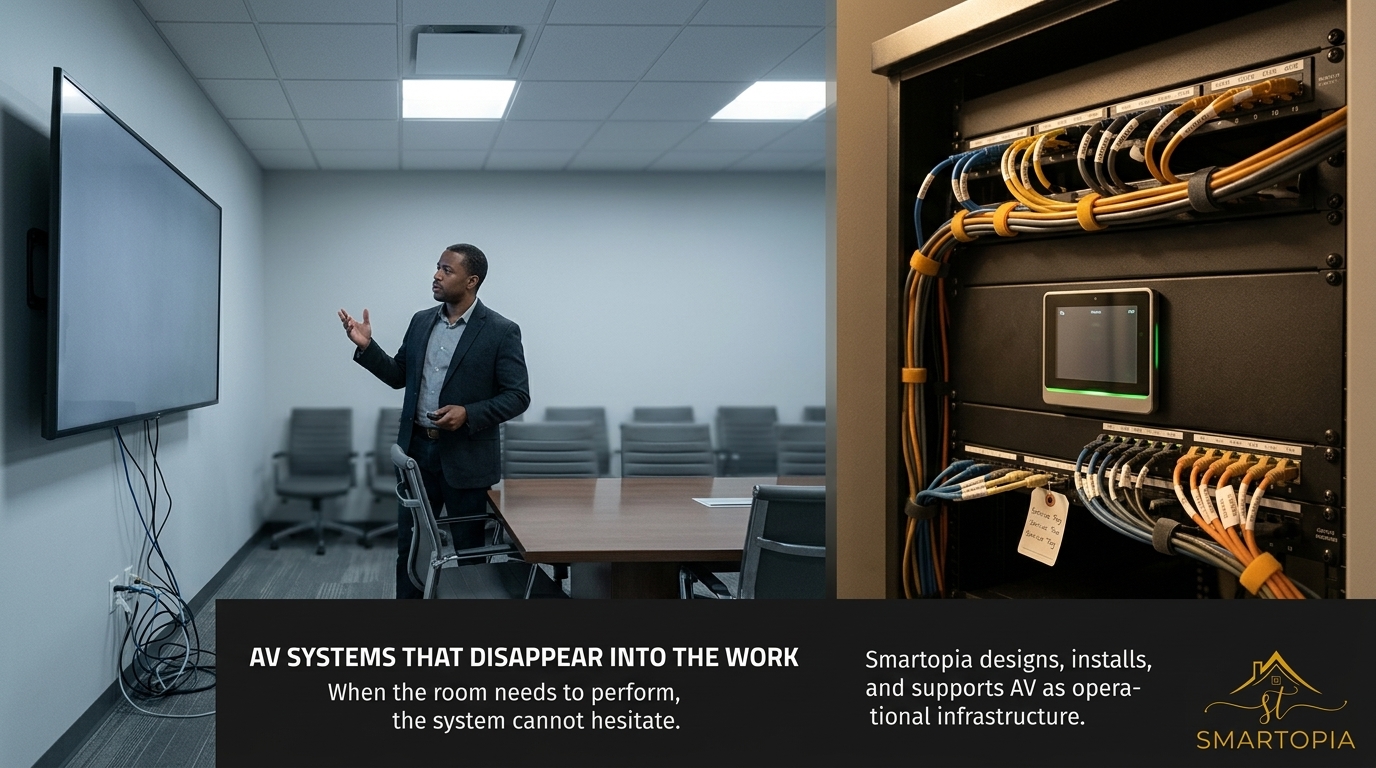
AV Integrators in Toronto: Rooms That Work the First Time, Every Time
When your boardroom or clinic needs to perform, delays are not an option. Small AV glitches often cause the biggest disruptions, especially when your team is ready to meet or present. At Smartopia, we design and install AV systems in Toronto that work the first time, every time—with user-friendly controls and fast support that keep your operations running smoothly. Read on to see how dependable AV solutions protect your business continuity and save you from frustrating interruptions. For more insights, check out The Complete Guide to AV Integration: Everything You Need to Know.
Designing Reliable AV Systems
When it comes to AV systems, the first step is knowing what each room needs. This ensures everything works as expected, keeping your operations seamless.
Understanding Room Requirements
Every room has its own challenges. You may need a specific screen size or audio that reaches every corner. Start by mapping out these needs. This involves measuring the space, noting where people will sit or stand, and understanding how the room is used. For example, a boardroom requires clear visuals and sound so everyone can engage in meetings without disruptions.
Next, consider the technology that will fit these needs. Whether it’s a projector with the right lumens or speakers that cover the room evenly, each choice should make the AV system more effective. Planning this way helps avoid common AV issues, setting the stage for smooth operations.
User-Friendly AV Control Design
User experience is crucial. AV controls should be intuitive, allowing anyone to operate the system without frustration. This involves designing interfaces that are clear and simple. Whether it’s a touch panel or remote control, the layout must be logical and easy to navigate.
Consider a system where, with a single press, you can start a presentation or connect to a video call. Controls should be tailored to the user’s needs, minimizing the learning curve. This focus on user-friendliness ensures the technology supports rather than hinders your meetings.
Networked AV Architecture
An advanced AV setup often involves networked systems. This means connecting your AV equipment over a network, allowing for more seamless operation. Networked AV enables centralized control, making it easier to manage multiple rooms from a single interface.
By networking your AV systems, you also allow for remote monitoring and troubleshooting. This connectivity means issues can be resolved quickly, often before they impact your operations. This proactive approach enhances reliability, ensuring your AV systems are always ready to perform.
Professional AV Installation Process
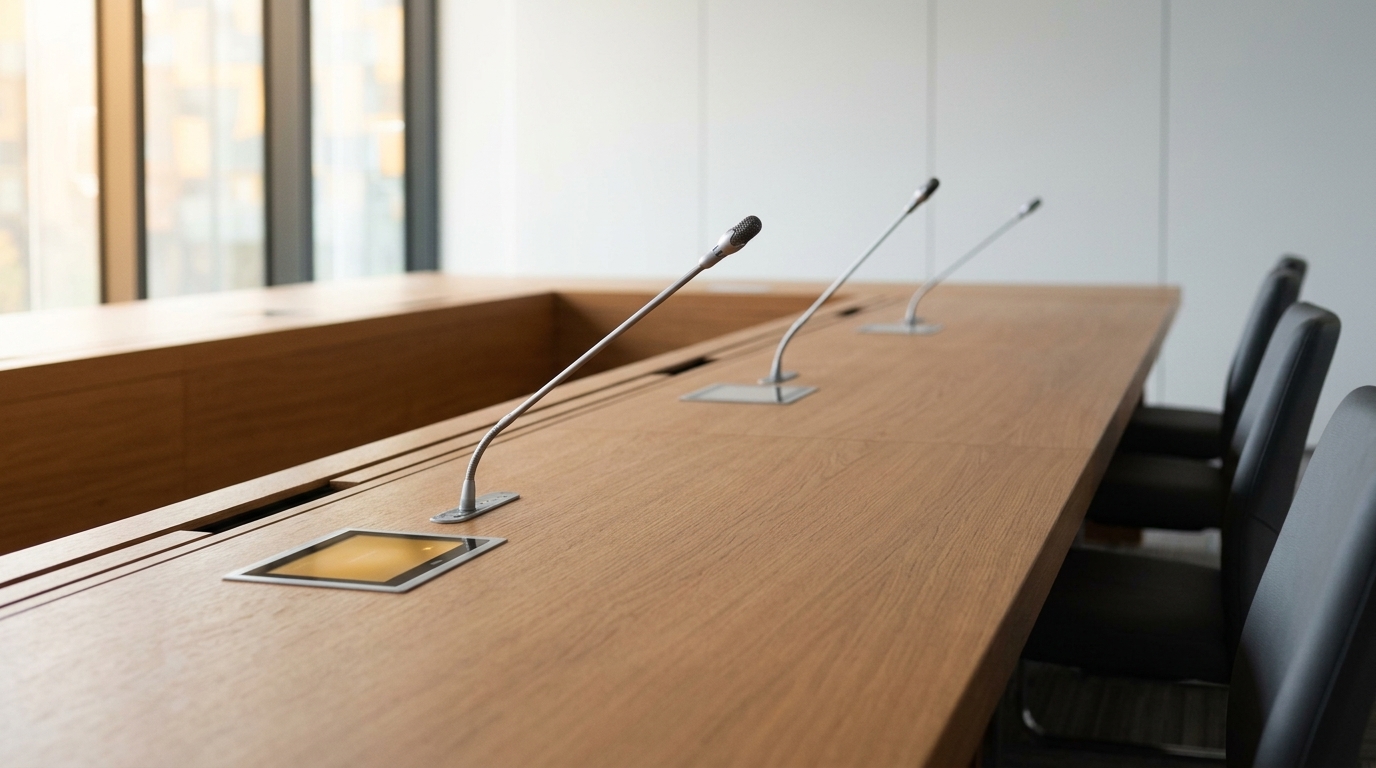
Installing an AV system requires precision and attention to detail. A thorough process ensures everything works perfectly from day one.
Rigorous Testing and Documentation
After installation, testing is key. Every component must be checked to confirm it operates as intended. This includes running through typical scenarios to see how the system performs. Testing identifies potential issues, allowing them to be fixed before the system goes live.
Comprehensive documentation accompanies this process. Detailed records of the setup make future troubleshooting easier. This documentation acts as a roadmap, helping technicians understand the system quickly when needed. It’s a critical part of maintaining reliability over time.
End-User Training Essentials
Training is a vital part of any AV installation. Users should feel confident operating the system. Training sessions can be tailored to different user groups, ensuring everyone knows how to use the equipment effectively.
Hands-on demonstrations and clear manuals enhance understanding. This preparation minimizes user errors and maximizes the system’s potential. When users are comfortable, they can focus on their work rather than the technology, leading to smoother operations.
Post-Installation Support Services
Support doesn’t end after installation. Ongoing services ensure your system remains reliable. This includes regular check-ins and prompt response to any issues that arise. Having a dedicated support team means you have peace of mind, knowing help is just a call away.
Support services can also include software updates and system upgrades. Keeping the AV system current ensures it continues to perform well, adapting to new needs as they arise. This ongoing support is essential for maintaining business continuity.
Ensuring Business Continuity
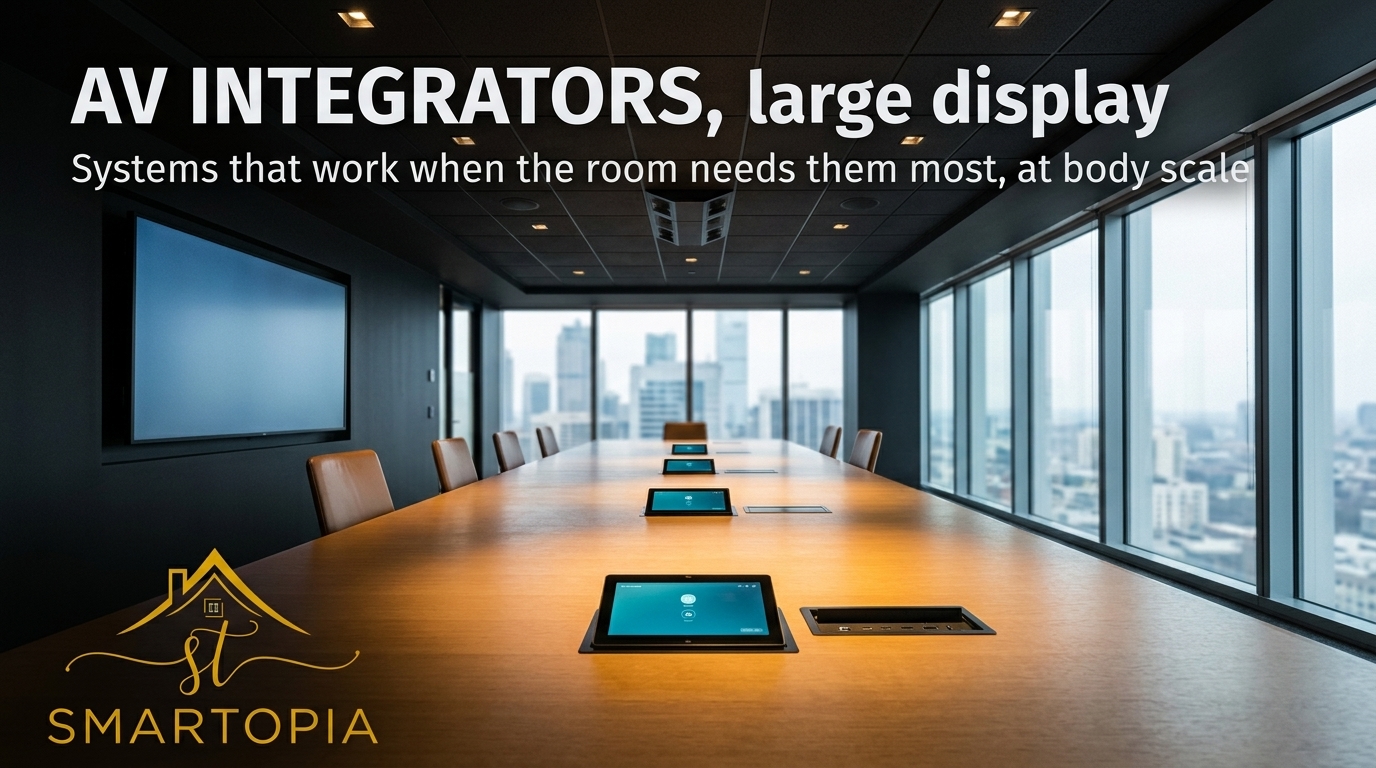
A reliable AV system is a key part of ongoing business operations. Regular maintenance and support keep everything running smoothly.
AV Maintenance and Monitoring
Routine maintenance is crucial. Regular checks and updates prevent small issues from becoming big problems. Monitoring systems alert you to potential faults, allowing for quick intervention. This proactive approach keeps your AV system in top condition, reducing downtime.
Rapid AV Troubleshooting and Support
When issues arise, swift resolution is vital. Rapid troubleshooting ensures minimal disruption to your operations. Having a support team ready to diagnose and fix problems quickly is invaluable. This readiness means your AV systems remain dependable, even under pressure.
Video Conferencing Reliability
Video conferencing is a staple of modern business communication. Ensuring it works flawlessly is essential. This involves having robust connections and reliable equipment. Regular testing and updates keep the system functioning smoothly, supporting effective meetings and collaboration.
Frequently Asked Questions
What should I consider when designing an AV system?
Consider the room’s size, layout, and usage. Also, think about the technology needs, like screen size and audio coverage. Tailoring the system to these factors ensures effectiveness.
Why is user-friendly design important in AV systems?
User-friendly design makes the system easy to operate, reducing frustration. Simple controls allow users to focus on their work without being hindered by complicated technology.
How does networked AV improve system reliability?
Networked AV allows for centralized control and remote monitoring. This connectivity helps quickly resolve issues, maintaining system reliability and minimizing downtime.
By focusing on these elements, Smartopia ensures your AV systems work seamlessly, keeping your business operations smooth and uninterrupted.

Comments are closed