
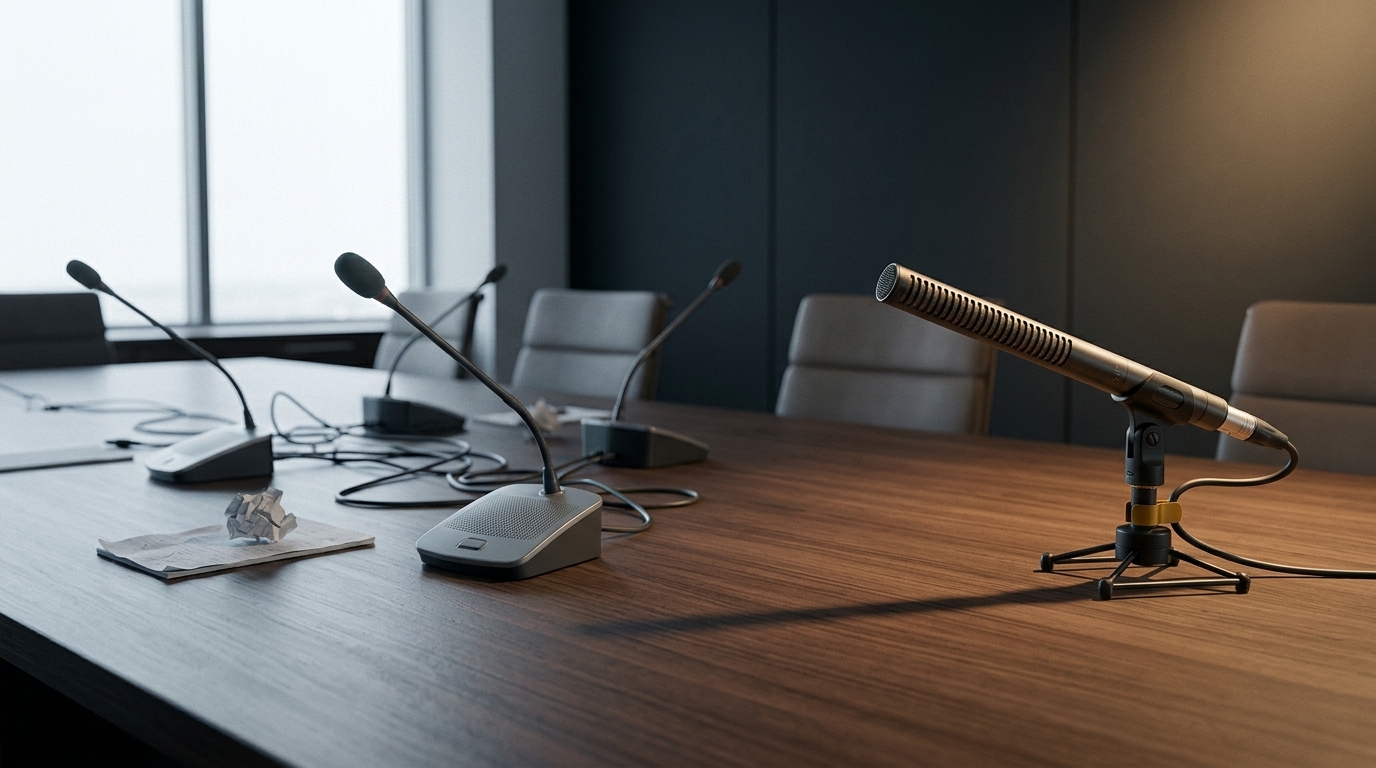
Shotgun Microphones for Boardrooms: When They Work and When to Choose Alternatives
Shotgun microphones for boardrooms can suit a defined speaking position when the microphone can be placed and aimed appropriately. They are not automatically the best choice for discussions around a large table. Before selecting one, assess the seating layout, microphone distance, room reflections, conferencing connections and the experience of remote participants. Compare alternatives using an in-room test.
A microphone that captures a presenter clearly may deliver uneven results when several people speak from different directions. The right solution depends on how the room is used, not simply how directional the microphone is.
This guide explains the practical limits of shotgun microphones, compares other meeting-room options and provides five checks to complete before approving a purchase or installation.
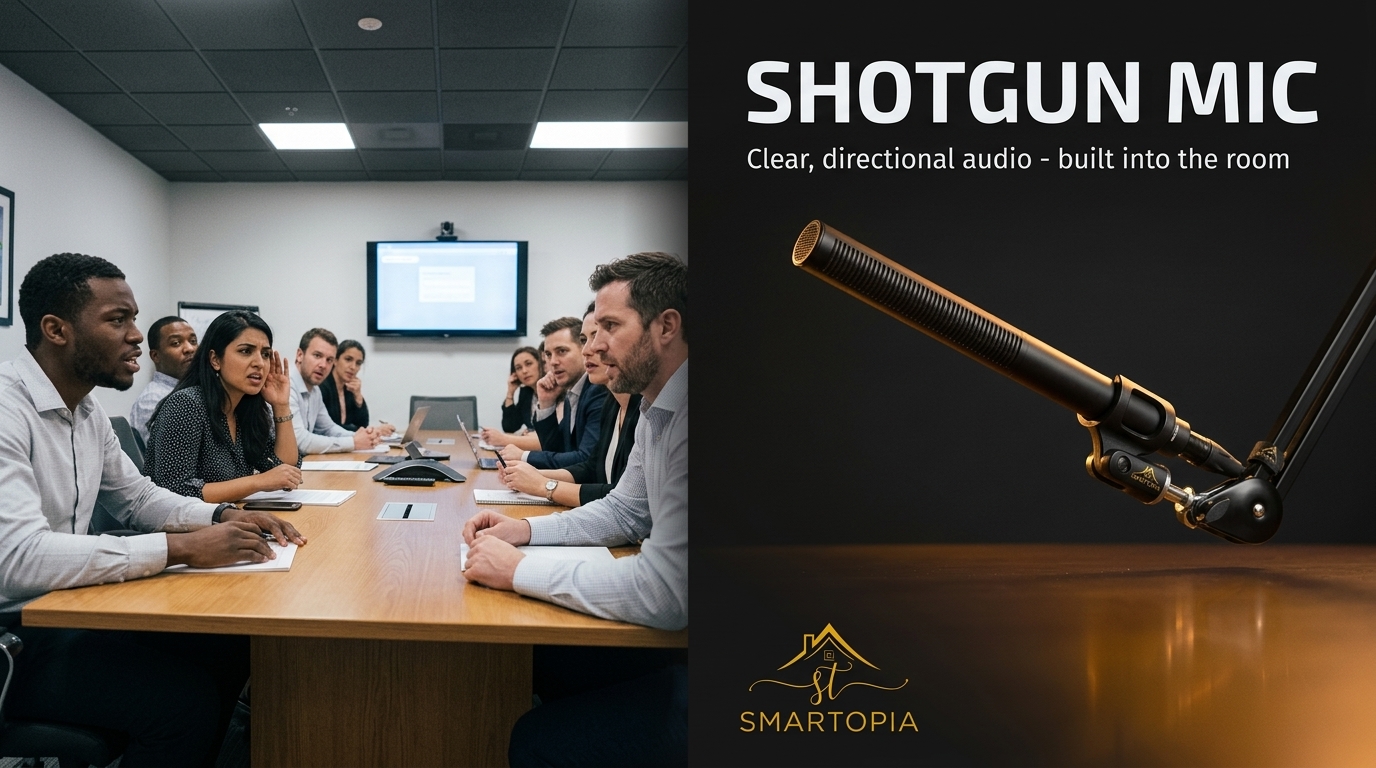
What Is a Shotgun Microphone?
A shotgun microphone uses an interference tube to create a directional pickup pattern. Its sensitivity varies with sound direction and frequency, so it does not capture everything in front equally or reject everything arriving from elsewhere.
Shure’s technical explanation of shotgun microphones describes how tube length and frequency affect directional behaviour. This is why microphone selection should consider the published polar patterns rather than relying only on the product’s shape.
Directionality also does not make distant speech sound as though the microphone were close to the speaker. Position and distance remain important.
Are Shotgun Microphones Suitable for Boardrooms?
Sometimes. They are worth evaluating when the room has a predictable speaking position, suitable mounting options and acoustic conditions that support intelligible pickup.
Examples might include a seated presenter, a designated interview position or a presentation area where a microphone must remain outside the camera frame.
They require more caution when:
- Participants speak from several sides of a long table.
- People frequently turn away from the microphone.
- The proposed mounting position is far from the speakers.
- The room has strong reflections or substantial background noise.
- The furniture arrangement changes regularly.
These conditions do not automatically rule out a particular model. They make a realistic comparison test especially important.
For the complete relationship between microphones, loudspeakers, cameras and room layout, explore Smartopia’s corporate conference room AV solutions.
1. Check Who Needs to Be Heard
Begin with the meeting format. A presentation led by one person creates a different coverage requirement from a round-table discussion with frequent interruptions and overlapping speech.
Mark the occupied seats and presentation positions on a room plan. Identify whether people remain seated, move to a whiteboard or stand beside the display.
- Which positions must be covered during every meeting?
- Do participants speak quietly or turn toward neighbouring colleagues?
- Will a presenter move around the room?
- Does the table layout change?
- Must the system capture several people speaking at once?
Do not approve coverage based only on someone speaking directly toward the microphone from the nearest seat. Test the least favourable required positions as well.
A fixed directional microphone does not follow a speaker by itself. Any automatic steering or tracking capability must come from a system specifically designed to provide it.
2. Test the Proposed Position and Speaking Distance
Evaluate the microphone where it would actually be installed. A successful close-range demonstration does not establish that the same model will work from above a display at the opposite end of the table.
Compare plausible mounting positions before finalising brackets, cable routes or furniture arrangements. Check that the microphone can be aimed at the intended speaking area without an obstruction.
During the test:
- Use normal conversational speech.
- Include people leaning back or looking toward the screen.
- Keep laptops and other usual table items in place.
- Listen for changes in level and voice quality between seats.
- Check whether mounting vibration or nearby movement becomes audible.
There is no universal maximum pickup distance suitable for every boardroom. Establish the acceptable result in the actual room, with the selected microphone and complete conferencing system.
Avoid treating extra input gain as a substitute for a suitable pickup position. The decision should be based on intelligibility and consistency, not simply whether the audio can be made louder.
3. Assess Reflections and Background Noise
Glass, bare walls and other hard surfaces can produce reflections that affect recorded speech. Shure’s shotgun microphone placement guidance cautions against aiming at reflective surfaces and explains that a shotgun is not an audio equivalent of a zoom lens.
For a boardroom assessment, listen with ventilation and other normally operating equipment running. Identify whether the main complaint is background noise, reverberant speech, inconsistent coverage or a conferencing echo.
These problems need different investigations:
| Symptom | What to examine |
|---|---|
| Some seats sound much quieter | Pickup position, distance, aiming and required coverage |
| Speech sounds distant or reverberant | Room reflections and the microphone’s position relative to speakers |
| Ventilation or equipment noise dominates | Noise sources, microphone location and available corrective measures |
| Remote participants hear their own voices returned | Echo-cancellation configuration and the conferencing audio path |
| Words disappear during interruptions | Mixing, processing and two-way conversation behaviour |
If the room itself is a major contributor, include an acoustic assessment in the project. Changing microphone type alone may not resolve the underlying problem.
4. Confirm the Conferencing Connection and Processing
A microphone must connect correctly to the room’s audio system and conferencing platform. Check the exact model’s output, power requirements and supported interface before purchasing it.
An analogue microphone may need a suitable preamplifier, power supply and audio interface or processor. A connector adapter alone does not necessarily provide those functions.
Confirm the complete signal path:
- How the microphone connects to the audio input.
- Where gain is set and monitored.
- Which component provides conferencing echo cancellation.
- How microphone mute is controlled and displayed.
- How processed audio reaches the meeting platform.
- How remote audio reaches the room loudspeakers.
Acoustic echo cancellation addresses remote audio played through room loudspeakers and picked up again by the microphones. It is different from correcting a reverberant room, and it does not replace suitable microphone placement.
Processing may help manage levels and unwanted sound, but it has limits. Validate the combined behaviour of the room processor and conferencing platform using their supported configuration.
For coordinated mute controls, status feedback and room operating sequences, see the AV control system programming guide.
5. Validate the Result With Remote Participants
The most useful acceptance test includes a person outside the room listening through the actual conferencing connection. A local meter showing signal activity does not establish that speech is easy to understand.
Use a repeatable test:
- Ask someone to speak naturally from every required seat.
- Repeat selected sentences while facing different directions.
- Test a quieter speaker and the furthest required position.
- Include normal laptop use and table activity.
- Test conversation in both directions, including brief interruptions.
- Verify mute, unmute and recovery after an approved restart.
- Record which positions or behaviours need improvement.
Where practical, compare microphone options at similar received listening levels. A louder demonstration can seem more impressive without being more intelligible.
Use the findings to approve the design or request changes. For regular checks after installation, follow the meeting room AV checklist.

Shotgun Microphones vs Other Boardroom Options
Use the following comparison to structure a demonstration or design discussion. These are options to evaluate, not universal recommendations for every room.
| Option | Situation worth evaluating | Main checks |
|---|---|---|
| Shotgun microphone | A defined speaking position with suitable aiming and mounting | Off-axis speech, distance, reflections and changes in speaker position |
| Tabletop or boundary microphone | Discussion around a table with practical cable and placement options | Seat coverage, table noise, obstructions and placement |
| Gooseneck microphone | Assigned seats or a fixed presentation position | Speaking distance, user behaviour, appearance and mute operation |
| Ceiling microphone array | A room requiring clear table surfaces or multiple pickup areas | Ceiling height, coverage design, acoustics and processing |
| Lavalier or headset microphone | A designated presenter who moves around | Wearing comfort, battery management and audience-question coverage |
| Integrated conferencing device | A room within the device’s supported application and coverage | Actual seating distance, platform compatibility and expansion limits |
A room may need different arrangements for presentations and open discussion. Specify those operating modes early so that the final system supports both without confusing users.
Practical Example: A Presenter Position and a Long Table
Illustrative scenario: A business uses one boardroom for executive presentations and discussion around a long table. The team is considering a fixed shotgun microphone near the display. This is a planning example, not a reported Smartopia client project.
The assessment treats the presenter position and the table seats as separate coverage requirements. The team tests the proposed microphone with a presenter, then repeats the test with people seated along both sides of the table.
If the presenter is clear but other seats are inconsistent, the design team compares alternative pickup arrangements rather than assuming that a higher microphone level will solve the problem.
The final decision follows the room’s required uses and the remote listener’s experience. A microphone suitable for one activity does not have to become the only microphone solution for every activity.
What to Include in a Boardroom Microphone Assessment
Provide enough information for the integrator to evaluate the full audio path:
- Room dimensions, ceiling height and major surface materials.
- The table layout and required seating positions.
- Presentation areas and expected speaker movement.
- Existing microphones, processors, loudspeakers and conferencing equipment.
- The platforms used for meetings.
- Specific complaints reported by remote participants.
- Installation restrictions and visual preferences.
- The criteria the completed system must meet.
Describe the problem precisely. “People at the far end sound distant” is more useful than “we need a better microphone.” It helps the assessment focus on the relevant coverage and acoustic conditions.
Frequently Asked Questions
Are shotgun microphones good for boardrooms?
They can be suitable for a defined speaking position, but they are not automatically ideal for a multi-person discussion. Test the proposed model and position against every required seat and meeting format.
Can one shotgun microphone cover a long conference table?
Do not assume it will provide consistent coverage. Participants speak from different distances and angles, so an in-room test is needed before approving a single-microphone design.
Does a shotgun microphone remove all background noise?
No. It has directional characteristics, not complete isolation. The result depends on the microphone, unwanted sound, room conditions and placement.
Is a ceiling array always better than a shotgun microphone?
No. A ceiling array is another design option with its own coverage, mounting and processing requirements. Compare the options against the room’s actual needs.
Can digital processing fix a poorly placed microphone?
Processing may improve aspects of the signal, but it cannot guarantee an acceptable result from unsuitable pickup. Address placement, coverage and room conditions before relying on processing.
How far away can a shotgun microphone capture clear speech?
There is no single reliable distance for all rooms and products. Establish the acceptable distance by testing normal speech through the intended conferencing system.
Should microphone testing include remote attendees?
Yes. Remote testing checks the complete experience, including pickup, processing, routing and conferencing behaviour. Test all required seats and two-way conversation.
Choose Boardroom Audio Around the Conversation
Shotgun microphones for boardrooms should be selected through assessment and testing rather than assumed to be the answer to every noisy meeting. Define who needs to be heard, compare realistic pickup positions and verify the result through the meeting platform.
To discuss an existing audio problem or a new room, contact Smartopia for a boardroom AV assessment. Share your room layout, equipment details and the listening problems reported by remote participants so the review can focus on the right causes.
Comments are closed