Huddle Rooms
Compact conferencing, single displays and simple controls for quick meetings involving small teams.

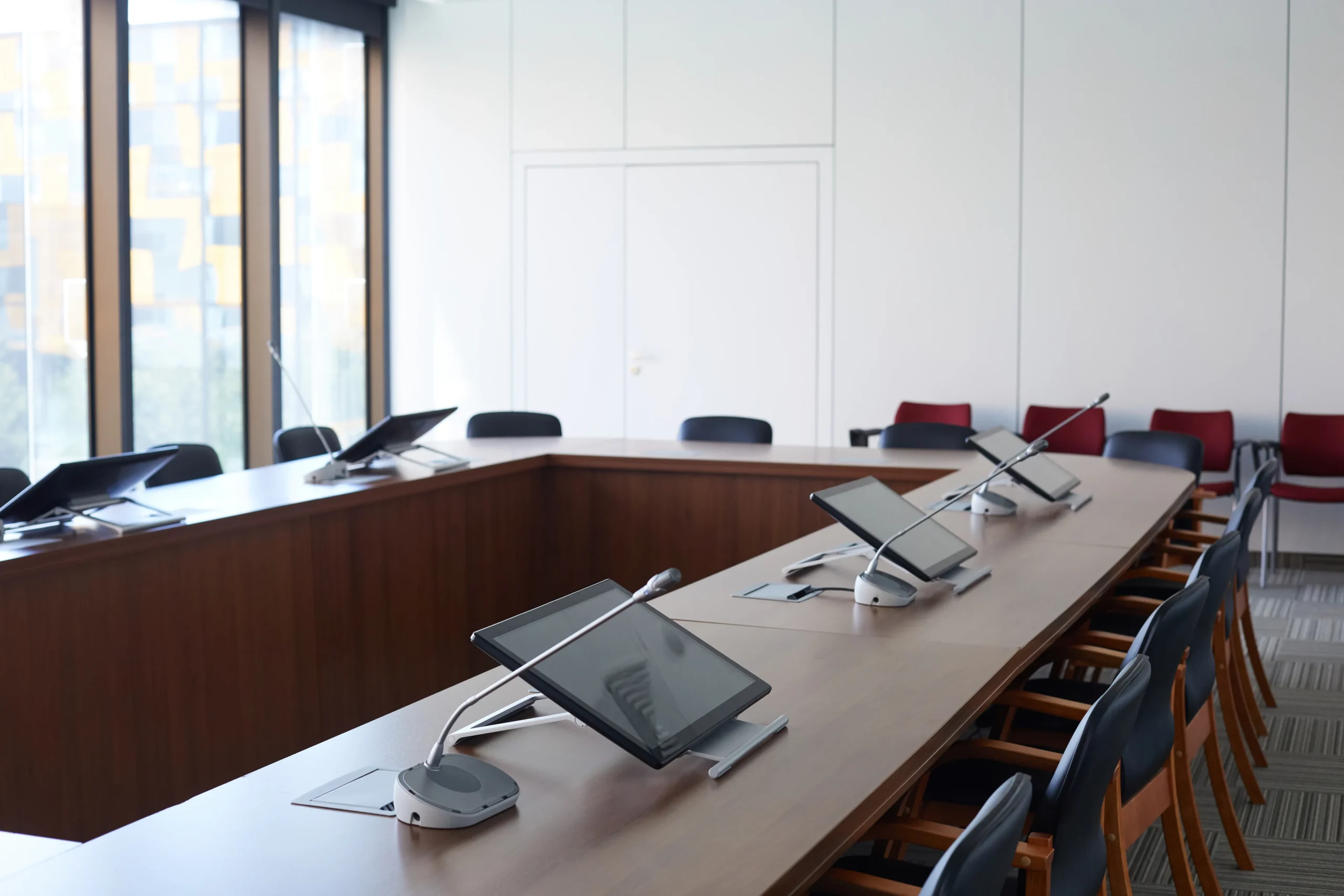
Smartopia designs and integrates conference room AV in Toronto for boardrooms, huddle spaces, training rooms and executive meeting environments. Our solutions combine Microsoft Teams Rooms, Zoom Rooms, intelligent cameras, professional audio, wireless presentation, scheduling and simple room control.
Professional conference room AV integrates video conferencing, displays, cameras, microphones, speakers, digital signal processing, wireless presentation and room controls into one coordinated system. The objective is to make meetings easy to start, clear for every participant and consistent across the organization’s different spaces.
Smartopia plans corporate AV solutions around room dimensions, occupancy, meeting platforms, acoustic conditions, viewing distance, network capacity and user workflows. This approach reduces the technical friction that delays meetings and creates inconsistent experiences between rooms.
Different meeting spaces require different camera coverage, microphone pickup, display sizes and control capabilities. Standardization should create a familiar experience without forcing identical equipment into every room. Smartopia designs each system around the room while maintaining consistent user workflows across the workplace.
Compact conferencing, single displays and simple controls for quick meetings involving small teams.
Reliable video, audio, presentation and calendar integration for everyday hybrid collaboration.
Premium displays, intelligent cameras, discreet microphones, advanced audio and integrated room control.
Flexible presentation, voice reinforcement, multiple sources and room-combining options where required.
Large-format displays, professional audio, streaming and content capture for organization-wide communication.
AV systems that adapt when meeting spaces are divided or combined for different events.
High-quality displays, wireless content sharing and polished controls for professional client experiences.
Flexible corporate AV for presentations, conferencing, workshops and internal events.
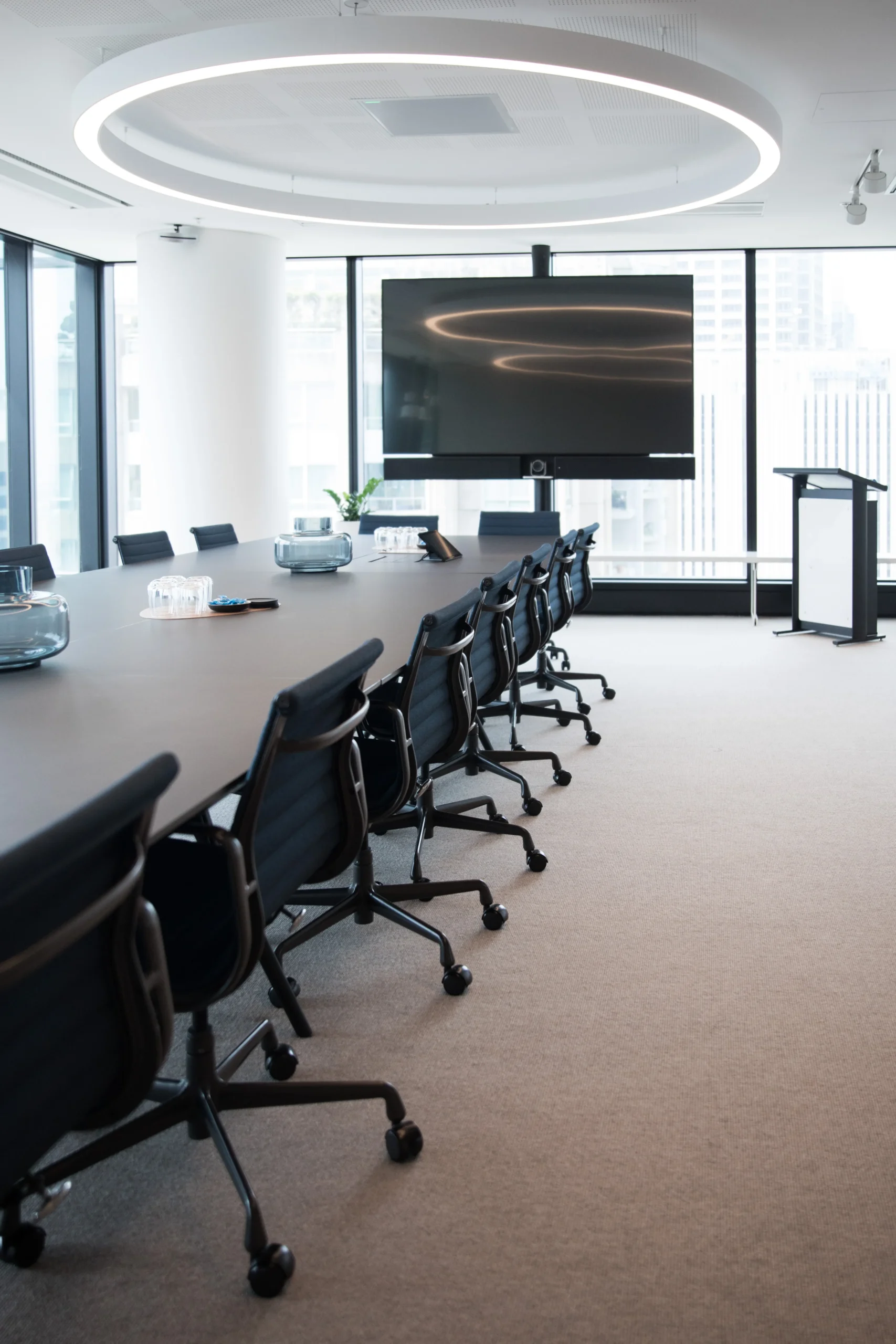
Microsoft Teams Rooms and Zoom Rooms turn shared meeting spaces into dedicated collaboration environments. Proper deployment connects the room account, calendar, controller, camera, microphones, speakers and displays so users can start scheduled meetings and share content through a consistent interface.
Smartopia designs Teams Rooms and Zoom Rooms installations around the company’s preferred platform, existing Microsoft 365 or Zoom environment, room size and IT administration requirements.
Effective hybrid meetings depend on remote participants seeing and hearing the room clearly. Camera placement, lens selection, microphone pickup and loudspeaker coverage must match the seating layout and acoustic environment. Digital signal processing manages audio routing, levels and echo-control functions within the system.
Appropriate cameras can support group framing, presenter tracking or speaker-focused views according to the room layout and selected conferencing platform.
Ceiling, tabletop or integrated microphone solutions are selected according to seating, room acoustics and architectural requirements.
Professional digital signal processing coordinates microphones, speakers, conferencing audio, routing and appropriate echo-control functions.
Speaker quantity and placement are designed to deliver clear meeting audio throughout the seating area.
Reflective surfaces, background noise and room reverberation are considered when selecting audio equipment and positioning.
Larger boardrooms and training spaces may require local voice reinforcement in addition to conferencing audio.
Wireless presentation allows approved users to share content without repeatedly reconnecting room cables. Multi-source switching supports additional laptops, conferencing systems, document cameras or other approved inputs. The design should make source selection clear while maintaining dependable wired connectivity where required.
Present from compatible devices through a controlled wireless workflow designed for the organization’s users and guests.
Provide reliable tabletop, wall-plate or lectern connections for presenters who require a physical connection.
Route conferencing participants, presentations and supporting content to suitable displays in larger rooms.
Integrated room control places frequently used functions on one clear touchscreen or control panel. Instead of operating separate remotes and wall controls, users can prepare the room, select a source, adjust audio and manage the meeting environment through a consistent interface.
Room control can also coordinate with compatible building management and automation systems when the selected platforms and project scope support integration.
Keep everyday controls clear: join a meeting, share a presentation, adjust sound and prepare the room. Confirm device compatibility and the required lighting or shade interfaces during design.
Room scheduling connects meeting-space availability with the organization’s calendar environment. Compatible scheduling displays can show whether a room is available, support approved booking workflows and help employees identify suitable spaces before meetings begin.
Connect compatible meeting rooms with the organization’s Microsoft 365, Exchange or supported scheduling environment.
Place room-status displays outside meeting spaces to provide clear availability and booking information.
Standardize room accounts, naming and administrative information to support easier management across multiple locations.
Room size affects display visibility, camera coverage, microphone pickup, speaker placement and control requirements. The following comparison provides general planning guidance, but final equipment selection should follow a site assessment and review of actual seating and meeting workflows.
| Room Type | Typical AV Requirements | Key Design Priorities |
|---|---|---|
| Huddle Room | Single display, compact camera, integrated audio and a simple room controller. | Fast startup, appropriate camera field of view and straightforward content sharing. |
| Standard Meeting Room | One or two displays, dedicated camera, microphones, speakers and room scheduling. | Clear coverage for every seat and consistent hybrid meeting operation. |
| Executive Boardroom | Premium displays, multiple cameras, professional DSP audio and integrated environmental controls. | Discreet installation, strong remote experience, reliability and executive-level usability. |
| Training or Multi-Purpose Room | Large displays or projection, microphones, voice reinforcement and flexible source routing. | Presenter movement, audience coverage, flexible layouts and event support. |
Modern conference room AV relies on stable network connectivity, structured cabling and coordinated IT administration. Teams Rooms, Zoom Rooms, wireless presentation, scheduling displays and remotely managed devices should be planned with bandwidth, network segmentation, device access and support responsibilities in mind.
Smartopia can coordinate conference room technology with building-wide Wi-Fi services and structured network cabling to support dependable connectivity and long-term management.
An upgrade starts with checking what already works. Displays, speakers, racks and cabling may remain when they are compatible with the proposed system, supported by their manufacturers and in suitable condition. The assessment identifies what can be reused and what needs replacement.
Review display connections and viewing distances, camera positions, microphone coverage, acoustics, cabling, network capacity and equipment support status.
Confirm the requirements for Teams Rooms, Zoom Rooms or approved laptop-based meetings, including compatible devices, room accounts, software licensing and IT administration.
Agree on access, installation windows and acceptance tests. Where practical, schedule the change around room bookings and verify the completed system before returning the space to users.
A consistent room experience helps employees move between spaces without learning a new set of controls each time. Standardization means using familiar workflows while adapting displays, cameras and audio coverage to each room's size and purpose.
A structured conference room AV project begins with room assessment and user requirements before equipment is selected. Smartopia then develops the system design, coordinates installation, configures the selected platform and verifies camera, audio, content-sharing, scheduling and control functions before handover.
Review room dimensions, seating, acoustics, networks, meeting platforms and user workflows.
Define displays, cameras, microphones, speakers, controls, cabling and integration requirements.
Install, connect and configure the approved AV, network and room-control equipment.
Test system operation, adjust audio and video, document the solution and train users.
Conference room AV cost depends on room size, display quantity, camera coverage, microphone design, audio processing, control complexity, cabling, scheduling and platform requirements. An assessment is required before an accurate quotation can be prepared for a Toronto corporate AV installation.
Long-term planning should include equipment warranties, software licensing, configuration backups, firmware updates, remote monitoring, user training and technical support. Standardized room designs can simplify support when an organization operates multiple meeting rooms or locations.
Conference room AV can be coordinated with Smartopia’s commercial AV integration services , digital signage, building automation, enterprise networking and other workplace technology.
Smartopia designs and integrates conference room AV for Toronto and GTA businesses. Services can include room assessment, system design, Teams Rooms or Zoom Rooms configuration, displays, cameras, microphones, DSP audio, wireless presentation, scheduling, room controls, installation, commissioning and ongoing support.
A hybrid conference room typically requires a commercial display, conferencing camera, microphones, speakers, room controller, meeting-room computer or appliance, presentation connections and reliable network access. Larger rooms may also need multiple cameras, DSP audio, additional displays and integrated environmental controls.
Yes. Existing displays, speakers, cabling or other components may be retained when they are compatible and in suitable condition. The room must be assessed for camera coverage, microphone pickup, network requirements, platform licensing and control compatibility before determining which equipment can remain.
The choice usually depends on the organization’s collaboration platform, calendar environment, IT policies and user preferences. Teams Rooms may suit Microsoft 365-focused organizations, while Zoom Rooms may suit Zoom-centered workflows. Room requirements and interoperability expectations should also be reviewed.
Yes, compatible lighting and motorized shade systems can be integrated with room controls. Users may select predefined scenes for video meetings, presentations or general use. The available functions depend on the selected control platform, lighting system, shade motors and project scope.
Cost depends on room size, display quantity, camera and microphone coverage, DSP requirements, room controls, cabling, scheduling displays and existing infrastructure. A small huddle-room system differs substantially from an executive boardroom or training facility, so accurate pricing requires a site assessment.
Displays, speakers, racks and cabling may be retained when they are compatible with the new system, supported and in suitable condition. An assessment checks connections, performance, network requirements and the selected meeting platform before deciding what to keep.
Yes. Smartopia can plan consistent room types, meeting workflows, controls and documentation while adapting equipment to each room's dimensions and use. Room accounts, calendars and support responsibilities should be coordinated with the organization's IT team.
Contact Smartopia to discuss Microsoft Teams Rooms, Zoom Rooms, cameras, professional audio, wireless presentation, room scheduling or integrated control for your Toronto or GTA workplace.
Office: 1290 Central Pkwy W #1100, Mississauga, ON L5C 4R3, Canada.
Serving businesses in Toronto, Mississauga and the Greater Toronto Area.