
Optimizing Commercial AV for Clear Communication and Collaboration in Hybrid Workspaces
Optimizing Commercial AV for Clear Communication and Collaboration in Hybrid Workspaces
Most hybrid workspaces struggle with choppy video calls and unclear audio. You know the frustration when meetings stall because microphones pick up every noise, or cameras miss the speaker entirely. Smartopia’s commercial AV solutions ensure your team stays connected with crisp video conferencing, precise microphone arrays, and tailored DSP tuning. Read on to learn how to build hybrid rooms that just work—and why a complimentary AV Health Check could be your next smart move. For more information, visit this link.
Building Reliable AV Systems
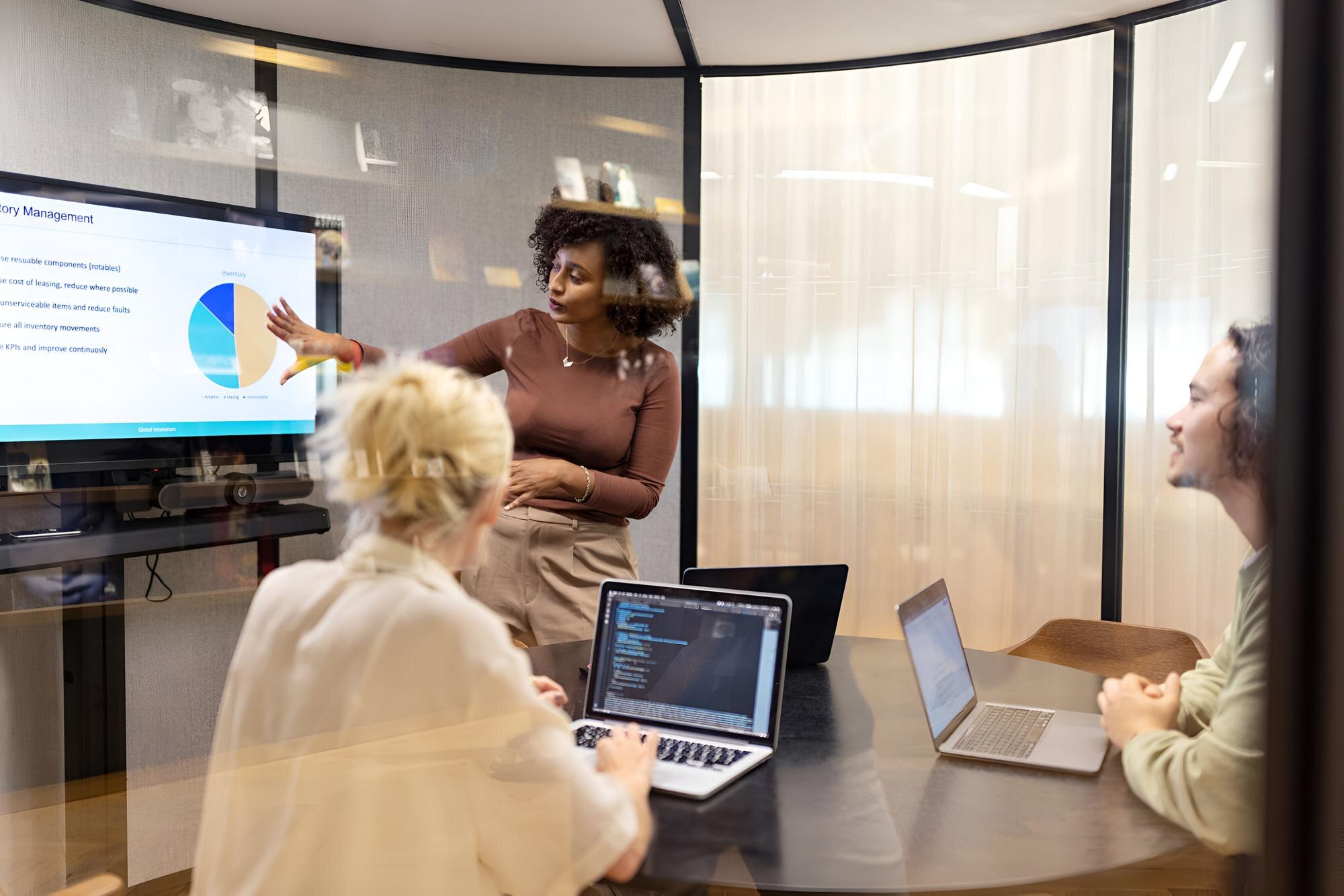
Creating a reliable AV environment is crucial for seamless business operations. Let’s explore the essential components that make up a robust AV system.
Key Components of Commercial AV
Building a dependable AV system begins with understanding the core components. The right cameras and microphones are key for capturing clear visuals and audio. For example, beamforming microphones can focus on the speaker’s voice, reducing background noise. Ceiling microphone arrays also help by picking up sound without cluttering the table.
In addition to microphones, video conferencing tools like Microsoft Teams Rooms and Zoom Rooms are essential. They offer a platform that supports both audio and video, ensuring a smooth meeting experience. Integrating these tools with your existing systems can boost productivity and communication.
The third piece of the puzzle is digital signal processing (DSP) tuning. This helps in fine-tuning audio settings to suit your room’s acoustics. With DSP tuning, you can ensure that your audio is clear and free of echoes, making conversations more natural.
Ensuring User-Friendly Interfaces
User-friendly interfaces are vital in making technology accessible. An intuitive interface allows users to operate systems without confusion. For instance, touch panels with clear icons can guide users through complex processes with ease.
Simplicity in design helps in faster adoption of new systems. When users find the interface easy to navigate, they engage more effectively during meetings. This leads to better collaboration and fewer technical hiccups.
Training sessions are also important to familiarize users with new systems. With proper guidance, even the most advanced tools become easy to use. This empowers teams to leverage technology to its fullest potential.
Integrating Video Conferencing Solutions
Integrating video conferencing solutions into your AV setup is a game-changer. Camera tracking technology can automatically focus on the active speaker, enhancing engagement and reducing distractions.
Moreover, selecting the right platform is crucial. Whether it’s Microsoft Teams Rooms or Zoom Rooms, choosing a solution that fits your needs is essential. These platforms offer features like screen sharing and chat, which are indispensable for remote collaboration.
Integration also involves ensuring all components work together seamlessly. By aligning your hardware and software, you create a cohesive system that supports efficient workflow and communication.
Enhancing Communication in Hybrid Workspaces
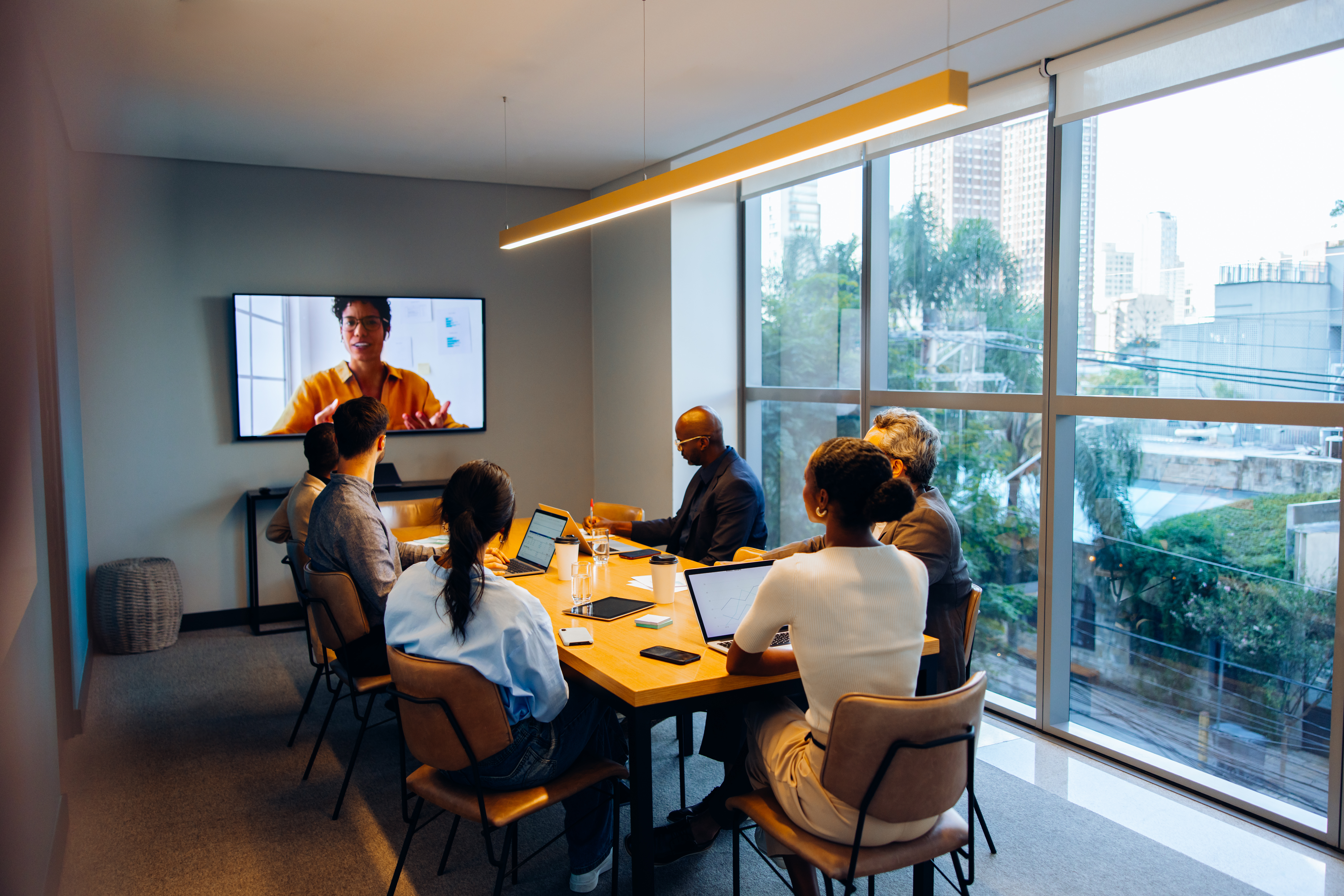
Enhancing communication involves optimizing both hardware and the environment. Let’s explore how to achieve clear communication in hybrid setups.
Effective Camera and Microphone Selection
Choosing the right cameras and microphones can make a significant difference. Camera tracking is essential for focusing on speakers, while beamforming microphones help isolate voices from background noise.
Microphones should be placed strategically to capture clear audio. Ceiling-mounted options keep the table clutter-free, while table-top models offer easy access. Both can be effective if placed correctly.
Cameras should provide high-resolution video to ensure clarity. This minimizes misunderstandings and enhances the overall quality of video calls. Investing in quality equipment pays off by improving communication and reducing meeting fatigue.
Importance of Acoustic Treatment
Acoustic treatment is often overlooked, but it’s crucial for clear audio. Without it, even the best microphones can struggle with echoes and noise.
Materials that absorb sound, like foam panels, can mitigate noise issues. These panels reduce echo, making voices clearer. This is especially important in large rooms where sound can bounce off walls.
Incorporating acoustic treatment enhances DSP tuning effectiveness. Together, they ensure the best possible audio quality, enabling smooth and productive meetings.
DSP Tuning for Optimal Sound Quality
DSP tuning adjusts audio settings to match your room’s acoustics. It’s the fine-tuning that makes a good system great.
By customizing settings, you can eliminate echoes and adjust microphone sensitivity. This ensures that every participant’s voice is heard clearly, improving meeting effectiveness.
Regular tuning checks are recommended to maintain optimal performance. As your room setup changes, adjustments may be needed. Keeping your system tuned guarantees consistent sound quality.
Smartopia’s Approach to Collaboration Technology
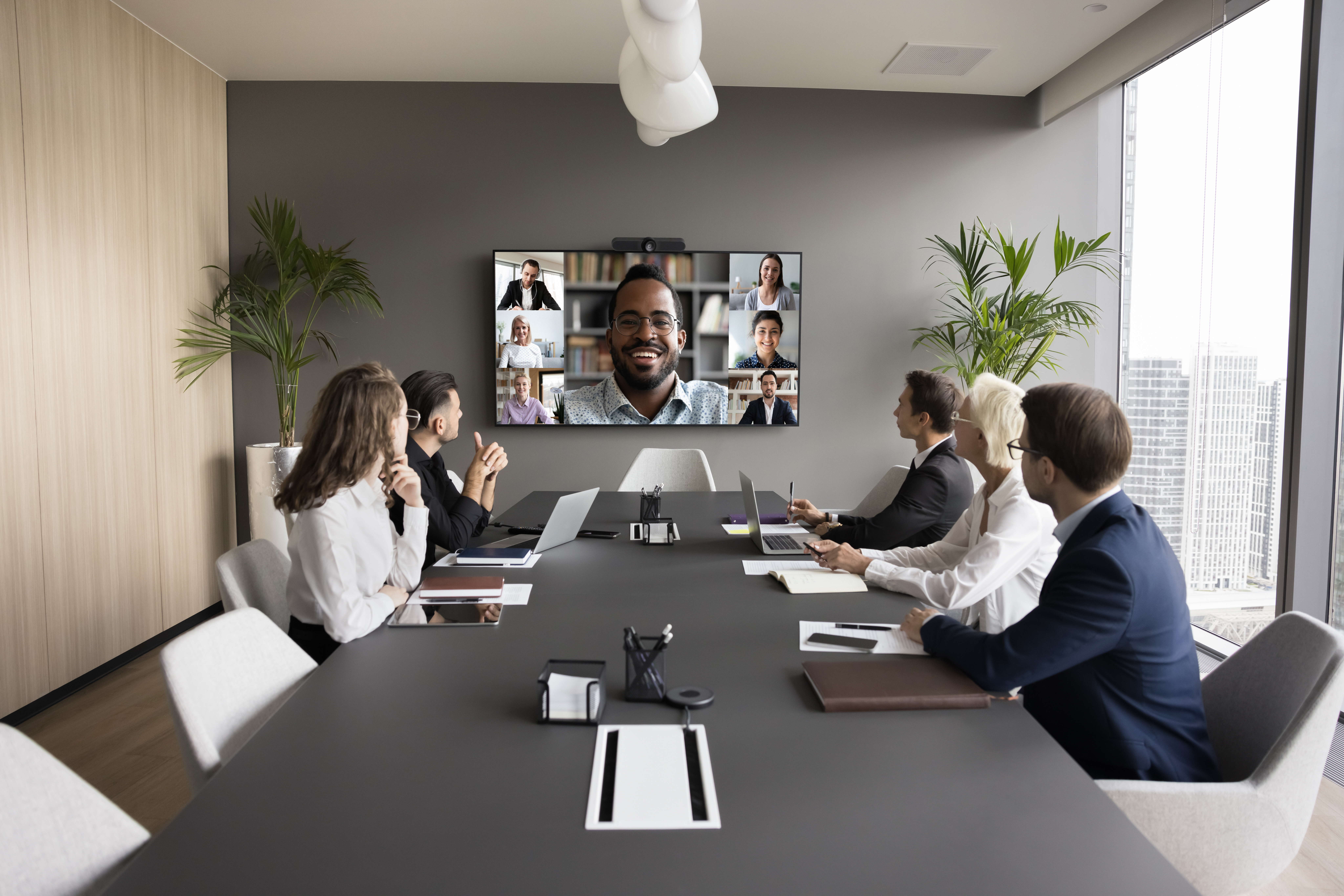
Smartopia offers a comprehensive approach to AV integration, focusing on seamless communication and collaboration.
AV Over IP for Boardroom AV
AV over IP is transforming boardrooms by enabling flexible and scalable audio-visual distribution. It allows for easy management of multiple signals over a network, offering high-quality audio and video.
This technology supports dynamic meeting environments where inputs and outputs can change frequently. The flexibility it offers is unmatched, making it ideal for modern boardrooms.
By adopting AV over IP, you can future-proof your boardroom AV setup. It provides the adaptability needed to integrate new technologies as they emerge.
Wireless Presentation and Digital Signage
Wireless presentation tools eliminate the hassle of cables, making it easy to share content from any device. This boosts productivity by allowing seamless collaboration without technical interruptions.
Digital signage offers dynamic content display capabilities. It can be used for presentations, announcements, and even branding. With digital signage, you can communicate effectively and keep your team informed.
Both wireless presentation and digital signage enhance meeting room functionality. They offer versatile tools for various communication needs, making them indispensable in hybrid workspaces.
Room Booking and Network QoS for AV
Room booking systems streamline scheduling, avoiding conflicts and maximizing room usage. These systems integrate with calendars, offering a user-friendly way to manage meeting spaces.
Network Quality of Service (QoS) ensures that AV traffic gets priority on your network. This is crucial for maintaining video and audio clarity, especially in busy offices.
Together, room booking and network QoS create a reliable AV environment. They help in managing resources efficiently while maintaining the quality of communication.
In conclusion, Smartopia’s expertise in AV integration ensures that your hybrid workspace is equipped for clear communication and collaboration. By focusing on reliable systems and user-friendly solutions, Smartopia empowers your team to work efficiently and productively.

Comments are closed