

ADP Login Locked? Restore Access Fast and Keep Payroll Moving
Getting locked out of your ADP login can bring your entire payroll process to a halt. One simple access problem quickly disrupts time tracking, payroll runs, and manager confidence. You need fast, dependable support that gets your system back online without wasting time or adding stress. After supporting over 1,000 Ontario businesses, Smartopia knows how critical quick access recovery keeps your operations steady, especially during busy summer months. Learn more about maintaining ADP access.
Overcoming ADP Login Challenges
Experiencing an ADP lockout can throw a wrench in your operations. Let’s explore the immediate impact and how to tackle these challenges.
Immediate Impact of ADP Lockout
When your ADP login fails, it halts your payroll process. This small access issue can quickly turn into a major problem. You can’t track time or run payroll, which affects your team and their trust in the system. Imagine trying to finalize payroll with the clock ticking and the system locked. It’s stressful and can lead to errors.
Furthermore, not being able to access ADP means delays in adjustments and corrections, causing further frustration. You need a solution that gets you back up and running quickly. A fast response is crucial to maintaining smooth operations and keeping your team confident.
Ripple Effect on Payroll Access
The effects of an ADP lockout ripple through your entire payroll system. It’s not just about lost time; it affects everything connected to payroll. Your employees depend on timely paychecks, and any delay can lead to dissatisfaction. Managers lose confidence in the system, which impacts overall morale.
Moreover, the delay can disrupt other processes like reporting and compliance checks. With each passing minute, the pressure increases to resolve the issue. Ensuring quick access recovery is vital to maintaining the stability of your operations and the satisfaction of your team.
Essential Solutions for Access Management
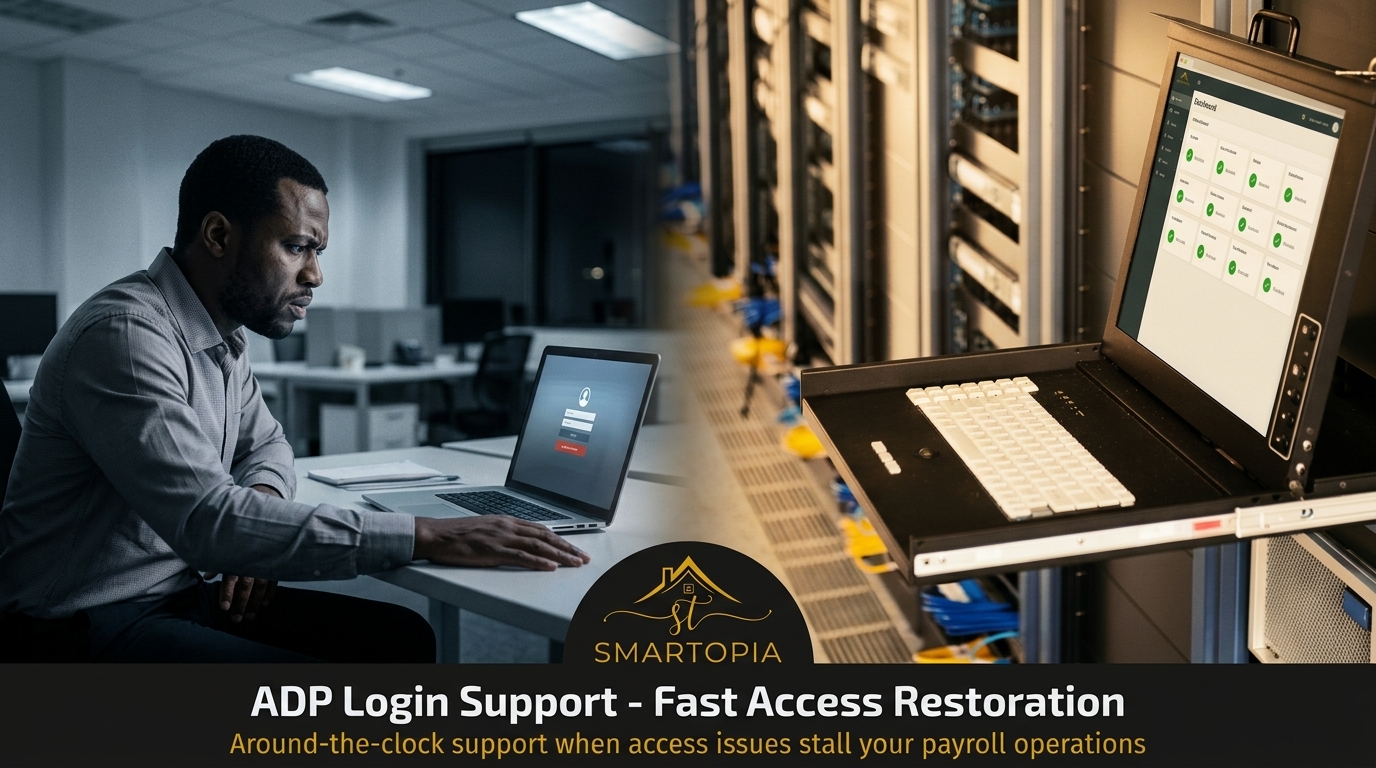
Addressing access issues means having the right solutions in place. Let’s delve into strategies that ensure quick recovery and network reliability.
Rapid Incident Response Tactics
To manage access issues effectively, you need a rapid response plan. Quick identification and solution are key. For instance, having a dedicated team that can immediately address these issues can save valuable time. They can work on credential resets, troubleshoot Wi-Fi issues, or manage VPN timeout problems.
Additionally, implementing two-factor authentication (MFA) and single sign-on (SSO) can prevent many access problems. These tools add a layer of security and streamline login processes. Employing these tactics ensures your systems remain accessible and secure.
Ensuring Network Reliability
Network reliability plays a crucial role in access management. A stable network prevents many issues before they start. Regular checks and maintenance can identify potential problems early. Moreover, utilizing tools like DNS firewalls can enhance your network’s security.
Furthermore, regular updates and patch management keep your systems running smoothly. A reliable network means fewer interruptions and more productive workdays. Ensuring network reliability is essential for seamless operations and access management.
Smartopia’s 24/7 Support Advantage
Smartopia offers around-the-clock support to tackle access and network issues. Discover the benefits of having a proactive partner.
Key Benefits of Proactive Assistance
Proactive assistance means being prepared. Smartopia’s 24/7 support ensures you’re never alone when access issues arise. Their team is ready to handle incidents immediately, minimizing downtime. Whether it’s a simple credential reset or a complex network issue, their experts are on it.
Moreover, continuous monitoring allows for potential issues to be identified before they cause disruptions. This proactive approach not only resolves current issues but also prevents future ones. Having Smartopia as your partner means less stress and more focus on your core operations.
Contacting Smartopia for Immediate Help
When access issues strike, knowing whom to contact is crucial. Smartopia is ready to assist you any time. With their experienced team, you can resolve problems quickly and efficiently. Don’t let a login issue disrupt your day; reach out to Smartopia for immediate support.
Their reliable support system ensures that your operations continue without a hitch. With Smartopia, you gain a partner who understands the importance of keeping your systems operational and your team confident.
Frequently Asked Questions
How can I reset my ADP password?
To reset your ADP password, visit the ADP login page and select “Forgot Password.” Follow the prompts to reset your password. Ensure you have access to the email or phone number linked to your account for verification.
What should I do if I face a VPN timeout?
If you experience a VPN timeout, check your internet connection first. Ensure your VPN client is updated. If the issue persists, contact your IT support for further assistance.
How does two-factor authentication improve security?
Two-factor authentication adds a second layer of security to your account. It requires an additional step, usually a code sent to your phone, making it harder for unauthorized users to gain access.
What is single sign-on (SSO)?
SSO allows you to use one set of login credentials to access multiple applications. It simplifies the login process and reduces the number of passwords you need to remember, enhancing security and ease of use.
How can Smartopia help with network reliability?
Smartopia offers regular network maintenance and monitoring services. Their team identifies potential issues early and uses tools like DNS firewalls to enhance security, ensuring a stable and reliable network.


Comments are closed