
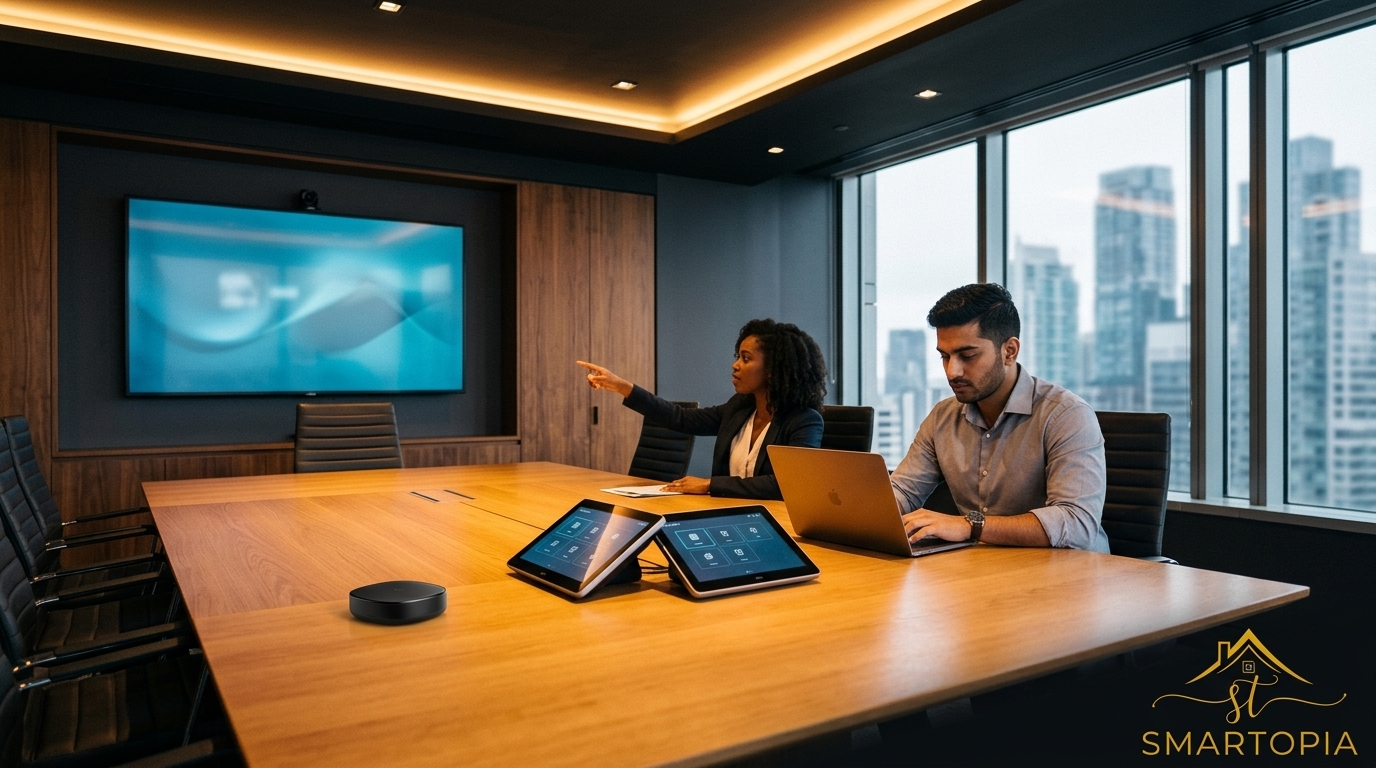
Wireless Presentation Systems That Remove Friction and Keep Meetings Moving
Meetings stall when the wireless presentation system won’t connect on time. You’ve seen it: cables swapped, awkward pauses, and lost minutes that add up fast. At Smartopia, we design systems that cut through these delays, making sharing in your boardroom or huddle space quick and reliable. Keep reading to see how smooth meetings start with technology built for real-world use and backed by prompt local support. For more on the best solutions, visit this link.
Streamlining Meeting Room Technology
If you’re tired of meeting delays, you’re not alone. Let’s explore how technology can make your meetings smoother.
Frustrations with Traditional Setups
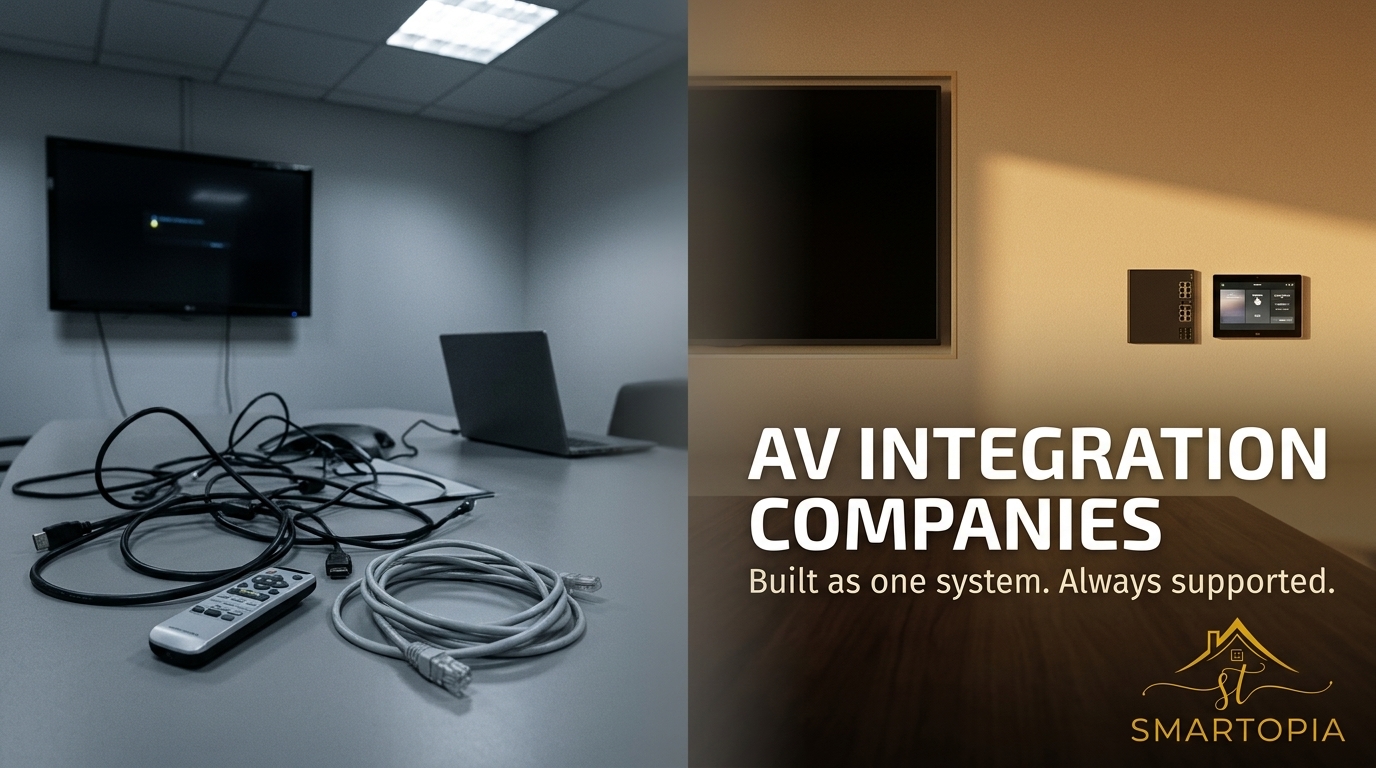
Traditional setups often involve tangled cables and confusing connections. These setups can frustrate even the most tech-savvy individuals. Have you ever tried to connect your laptop to a meeting room screen, only to find that the cable is missing or incompatible? This setup process not only delays meetings but also disrupts the flow of ideas. The stress of connecting devices can overshadow even the most engaging presentation.
A study showed that 57% of people experience connection issues with traditional setups. This problem is not just about cables; it’s about productivity. Meetings should be about sharing ideas, not wrestling with tech problems. If you’ve ever felt this way, you’re not alone.
Importance of Reliable Wireless Systems
Reliable wireless systems are game-changers. They simplify the connection process by removing cables entirely. With a wireless system, you can connect using your device’s built-in features. This allows you to focus on your presentation, not on how to display it.
Wireless systems also support multiple devices. This means everyone can share their screen quickly, which encourages collaboration. According to experts, using a wireless system reduces setup time by 75%. This efficiency keeps meetings on track and energy focused on the discussion.
Smartopia’s Wireless Presentation Solutions
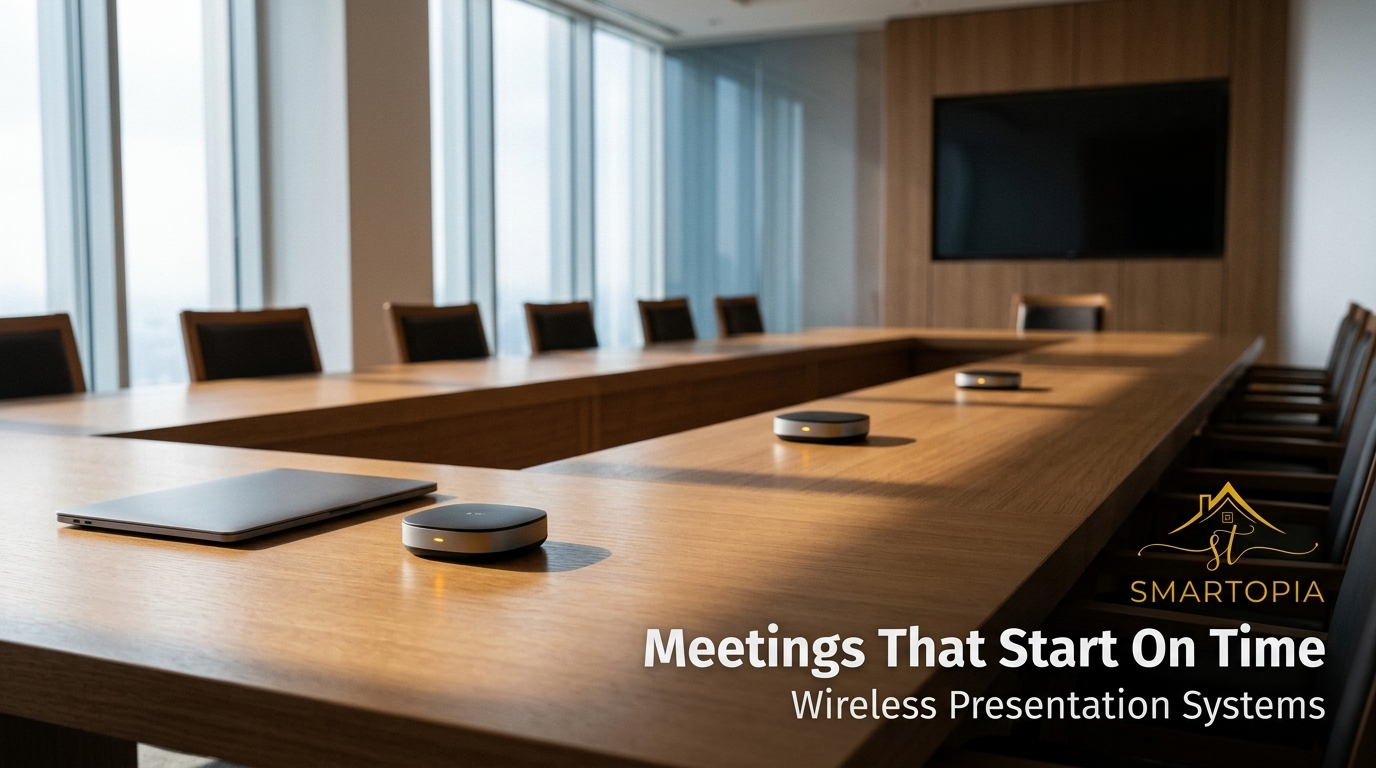
Switching to wireless solutions doesn’t have to be daunting. At Smartopia, we make it easy and secure.
Features of BYOD Wireless Sharing
Our Bring Your Own Device (BYOD) systems allow any device to connect seamlessly. You can start your presentation with just a few taps. With our solution, you can use AirPlay, Miracast, or Google Cast, ensuring compatibility with most devices.
Imagine walking into a room and starting your presentation in seconds. Our systems support various devices, from laptops to phones, so everyone can contribute effortlessly. Plus, without cables to trip over, your meeting space remains neat and professional. You can learn more about top wireless systems here.
Security and Network Readiness
Security is a top priority. Our networks are designed to protect your data, using advanced encryption methods. We ensure that only authorized devices can connect, keeping your information safe.
Our systems are not only secure but also ready to integrate with existing networks. This means minimal disruption to your current setup. We ensure that your network can handle the demands of modern meetings, providing a seamless experience.
Benefits of Smartopia’s Integration
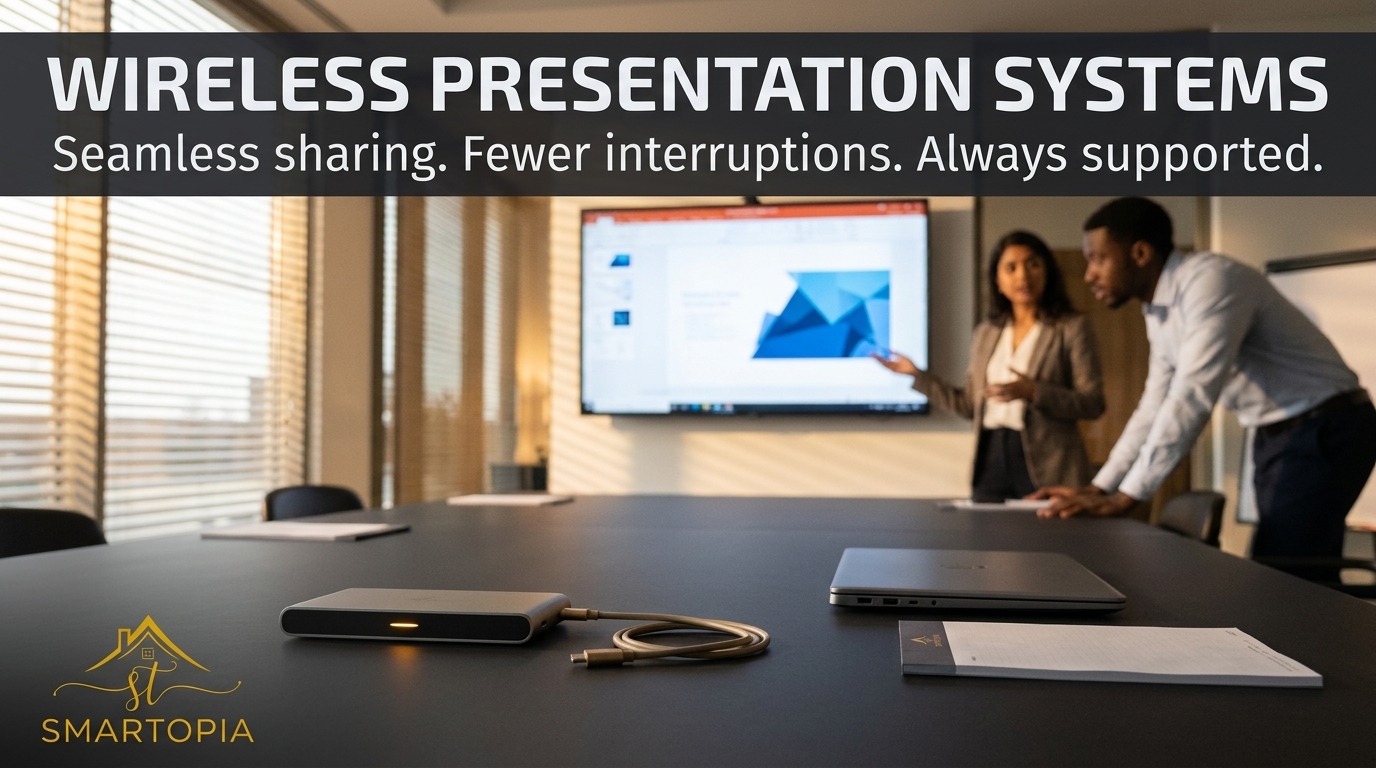
Choosing Smartopia means choosing ease, reliability, and support.
Ensuring Meetings Start On Time
Our systems are designed for efficiency. You can start your meeting without the usual tech hiccups. With our solutions, meetings start on time, every time.
Imagine a world where tech issues don’t delay your schedule. With Smartopia, you can focus on what matters: the content of your meeting. This reliability keeps your team engaged and productive.
Local Support and Maintenance Plans
Support when you need it: that’s our promise. Our local teams are ready to assist you, ensuring your system runs smoothly. We offer maintenance plans tailored to your needs, providing regular check-ups and updates.
Our support is proactive, not reactive. We identify potential issues before they become problems, ensuring your systems are always ready. This commitment to support is what sets us apart.
Frequently Asked Questions
What is a wireless presentation system?
A wireless presentation system allows devices to connect to display screens without cables. It uses technologies like AirPlay, Miracast, and Google Cast for easy sharing.
How does BYOD wireless sharing work?
BYOD wireless sharing lets users connect their personal devices to a presentation system wirelessly. It supports various devices, enhancing collaboration in meetings.
Why is network security important for wireless systems?
Network security protects data from unauthorized access during presentations. Secure systems ensure that only authorized devices can connect, safeguarding sensitive information.
How can Smartopia help my meetings start on time?
Smartopia’s systems eliminate common tech issues that delay meetings. With easy and reliable connections, your meetings can begin promptly, every time.
What support does Smartopia offer for wireless systems?
Smartopia provides local support and maintenance plans. Our team offers regular updates and proactive care to ensure your systems run smoothly.
Comments are closed